Key Takeaways
- All three chips share the same fastest core design, so single-thread speed is close across the range — the differences are core count, GPU width and memory bandwidth.
- M5 offers 10 CPU cores and 153GB/s; M5 Pro offers 15 or 18 cores and 307GB/s; M5 Max offers 18 cores with 460GB/s or 614GB/s depending on GPU configuration.
- Only M5 Pro and M5 Max use Apple’s Fusion Architecture, which bonds two third-generation 3nm dies into a single system on a chip.
- Maximum unified memory runs 32GB on M5, 64GB on M5 Pro and 128GB on M5 Max — the single most important number for local model work.
- Apple quotes up to 3.9x faster LLM prompt processing for M5 Pro over M4 Pro, and up to 4x for M5 Max over M4 Max.
- Pricing starts at $1,699 for the 14-inch M5, $2,199 for the 14-inch M5 Pro and $3,599 for the 14-inch M5 Max.
- M5 Pro ships with 1TB of storage as standard and M5 Max with 2TB, with sequential speeds reaching 14.5GB/s.
- A binned M5 Max with a 32-core GPU runs at 460GB/s, not 614GB/s — an easy configuration trap when buying the base 14-inch model.
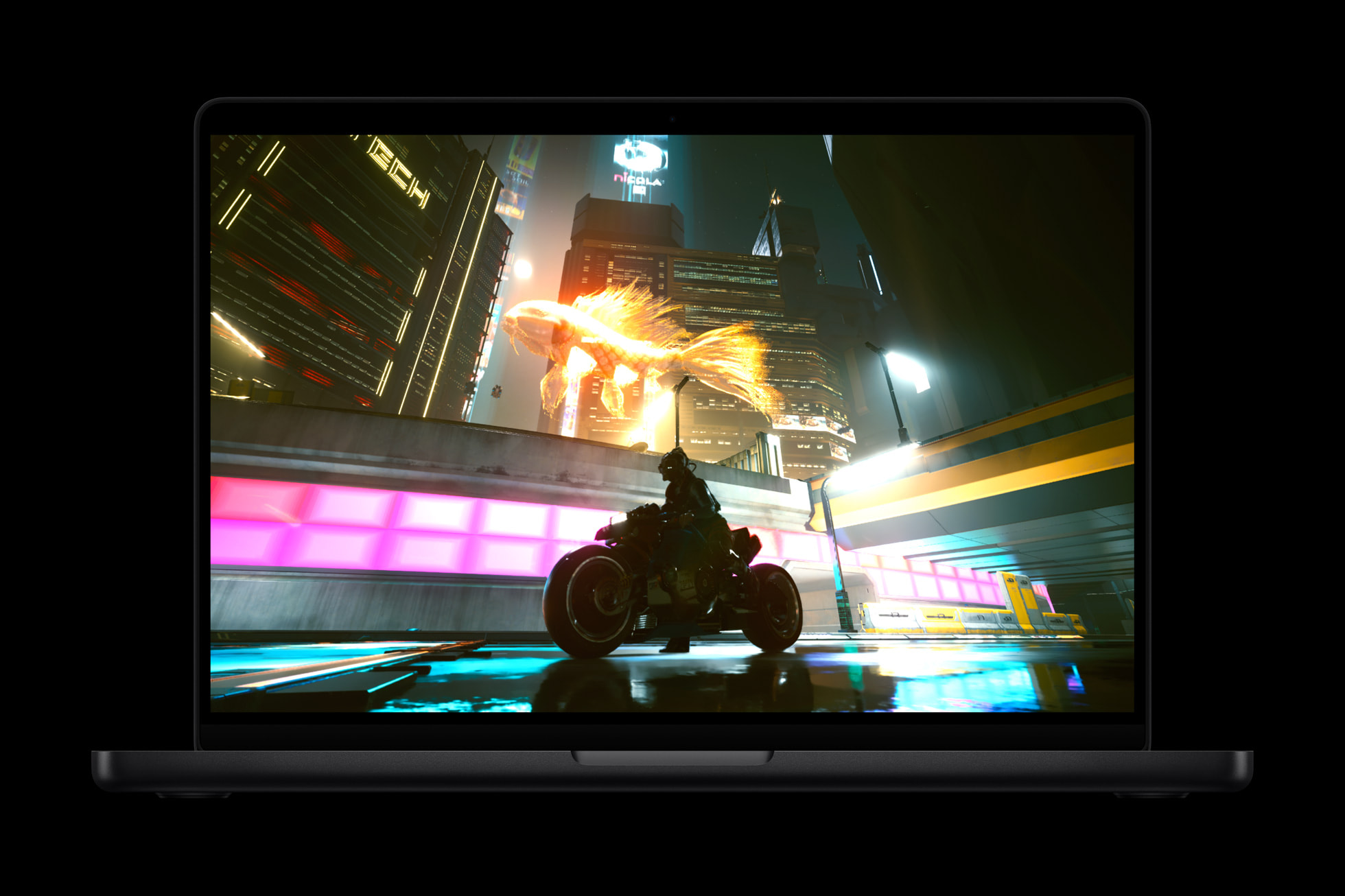
Latest MacBook Pro laptops are based on M5 microprocessors. Image credit: Apple
Apple now sells three distinct MacBook Pro processors under the M5 name, and choosing between them comes down to one question: how much memory bandwidth and unified memory does your work actually consume? The M5 is the right chip for most people, the M5 Pro is the balanced professional option, and the M5 Max exists almost entirely to serve workloads that need to hold very large datasets or models in memory at once.
Raw processor speed is not the differentiator it once was. Apple uses the same top-tier core design — now branded the “super core” — across the entire M5 generation, from MacBook Air through to the M5 Max. A single-threaded task will finish at roughly the same time on a $1,699 machine as on a $4,099 one. What separates the tiers is how many things can happen simultaneously, and how quickly data reaches the compute units.
The Three Chips Side by Side
| Specification | M5 | M5 Pro | M5 Max |
|---|---|---|---|
| Die design | Single die | Fusion Architecture (two dies) | Fusion Architecture (two dies) |
| CPU | 10-core (4 super + 6 efficiency) | 15-core (5 super + 10 performance) or 18-core (6 + 12) | 18-core (6 super + 12 performance) |
| GPU | 10 cores | 16 or 20 cores | 32 or 40 cores |
| Memory bandwidth | 153GB/s | 307GB/s | 460GB/s (32-core) or 614GB/s (40-core) |
| Unified memory | 16GB to 32GB | 24GB to 64GB | 36GB to 128GB |
| Base storage | 1TB | 1TB | 2TB |
| Thunderbolt | Thunderbolt 4 | Thunderbolt 5 (three ports) | Thunderbolt 5 (three ports) |
| External displays | Up to two | Up to three | Up to four |
| Starting price (14-inch) | $1,699 | $2,199 | $3,599 |
| Starting price (16-inch) | Not offered | $2,699 | $3,899 |
What Fusion Architecture Actually Changes
The M5 Pro and M5 Max abandon the single-die layout Apple has used since the M1. Fusion Architecture joins two third-generation 3nm dies with high-bandwidth, low-latency links inside one package, carrying the CPU, GPU, Media Engine, unified memory controller, Neural Engine and Thunderbolt 5 controllers between them. Apple’s stated rationale is scalability — splitting blocks across physical dies while preserving the unified memory model that defines Apple silicon.
The practical consequence is core count. The M5 Pro carries four more CPU cores than the M4 Pro, and Apple credits the redesign with up to 30% faster multithreaded performance for professional workloads. The M5 Max lands about 15% ahead of the M4 Max on the same measure. Both chips reach roughly 2.5x the multithreaded performance of M1 Pro and M1 Max.
Note also what disappeared. Efficiency cores are gone from the Pro and Max tiers, replaced by twelve new performance cores that Apple describes as optimised for power-efficient multithreaded work. The base M5 retains six efficiency cores.
Graphics, Ray Tracing and Media
The GPU scales cleanly: 10 cores on M5, up to 20 on M5 Pro, up to 40 on M5 Max. Every core in all three carries a Neural Accelerator. Apple’s third-generation ray-tracing engine delivers up to a 35% graphics uplift over M4 Pro in ray-traced applications and up to 30% over M4 Max, with general graphics performance up around 20% and reaching a claimed 50% increase in certain workflows.
Specific application claims from Apple’s testing: the M5 Pro renders up to 1.4x faster than M4 Pro in Maxon Redshift and delivers up to 1.6x the ray-traced gaming performance; the M5 Max is up to 3x faster than M4 Max at video effects rendering in DaVinci Resolve Studio and up to 3.5x faster in Topaz Video. The M5 Max also carries two video encode engines and two ProRes engines against one each on the M5 Pro, which matters for parallel exports.
The AI Question: Bandwidth Decides
For anyone running models locally, the specification that matters most is memory bandwidth, because generating each token requires reading model weights out of memory. Apple’s own framing is direct: the bandwidth increase on M5 Max means higher token generation for large language models.
Apple’s headline AI comparisons are prompt-processing figures. The M5 Pro handles LLM prompts up to 3.9x faster than M4 Pro and generates AI images up to 3.7x faster; the M5 Max reaches up to 4x on prompt processing against M4 Max and 3.8x on image generation. Both sit above 4x the peak GPU compute of their predecessors for AI and above 6x that of the M1 generation.
Token generation improves by less. Community benchmarking using Apple’s MLX framework generally places the M5 Max around 25–30% ahead of the M4 Max on generation throughput — consistent with the bandwidth increase from 546GB/s to 614GB/s plus architectural gains. These community figures vary considerably by model build, quantisation and framework version, and should be treated as directional rather than precise.
The configuration trap is worth spelling out. “M5 Max” describes two different chips. The 32-core GPU version fitted to the base 14-inch M5 Max runs at 460GB/s; only the 40-core version reaches 614GB/s. If you are buying specifically for inference throughput, that distinction is worth more than the extra GPU cores. The same logic governs how organisations specify premium AI infrastructure systems at larger scale, and it is the reason dedicated products like Nvidia’s RTX Spark superchip are priced around memory capacity rather than core count.
Storage, Battery and Connectivity
Storage moved substantially. M5 Pro models now begin at 1TB and M5 Max at 2TB, doubling the previous generation’s starting capacity, with read and write performance up to twice as fast and peaking around 14.5GB/s. M5 Pro configures up to 4TB, M5 Max up to 8TB — and since storage cannot be changed later, it is a purchase-time decision. Anyone who has watched high-capacity solid-state pricing recently, including the 8TB PS5 drive that costs more than three PS5 Pro consoles, will recognise why Apple’s top storage tiers carry the premiums they do.
Battery figures on the 14-inch model run 22 hours of video streaming with M5 Pro and 20 hours with M5 Max, with wireless web at 14 and 13 hours respectively. The 16-inch reaches up to 24 hours. Both Pro and Max include the Apple N1 wireless chip for Wi-Fi 7 and Bluetooth 6, three Thunderbolt 5 ports each with its own on-chip controller, and Memory Integrity Enforcement — an always-on memory safety protection Apple describes as an industry first.
Choosing Between Them
Buy the M5 if your work is code, documents, photography, web development or light video, and you do not need more than 32GB of memory. Buy the M5 Pro if you regularly run multi-hour renders, large compilations, data modelling or 4K timelines, or if you want to run mid-sized models locally with room to spare — 64GB and 307GB/s covers a great deal. Buy the M5 Max if you need 128GB of unified memory, four external displays, dual encode engines or the 614GB/s bandwidth for the largest models that will fit on a laptop.
Apple’s own segmentation matches that advice: it positions the M5 Pro at data modellers, sound designers and STEM students, and the M5 Max at 3D animators, application developers and AI researchers. As always, the performance multipliers quoted here come from Apple’s testing on selected benchmarks and specific configurations.
If you are interested in this topic, we suggest you check our articles:
- What Is Required for a Premium AI Infrastructure System?
- How Much Does the Nvidia RTX Spark Superchip Cost?
- What Is a Tensor Processing Unit (TPU)?
- New 8TB PS5 SSD Costs 3x More Than a PS5 Pro Console
- How Big a Role Does AI Infrastructure Play in Model Performance?
Sources: Apple Newsroom (MacBook Pro), Apple Newsroom (M5 Pro and M5 Max), Apple Tech Specs, Macworld, Tom’s Guide
Written by Alius Noreika