Key takeaways
- Local GPUs provide direct access, greater control and predictable availability for regular workloads.
- Cloud GPUs offer flexible access to powerful hardware without requiring a large initial purchase.
- Gartner forecast worldwide generative AI spending to reach $644 billion in 2025 and overall AI spending to reach $2.52 trillion in 2026.
- A hybrid workflow can keep routine development local while moving demanding jobs to cloud infrastructure.
TL;DR
When comparing local GPUs vs cloud GPUs, the right choice depends on workload frequency, hardware requirements, privacy needs and budget. A local GPU is often more practical for frequent and predictable workloads that fit within its available memory, particularly when immediate access, offline use or keeping data within a controlled environment matters.
A cloud GPU provider may be better suited to occasional training, larger models, temporary increases in demand or projects requiring different hardware configurations. Many teams use a hybrid approach, keeping everyday development local while turning to cloud resources for more demanding or urgent jobs.
Why the choice matters
Where you run your AI workloads affects cost, performance, privacy, flexibility and how quickly your team can complete its work.
Local GPUs offer immediate access for routine workloads, while cloud GPUs provide additional capacity when a project exceeds the limits of local hardware.
Demand for AI infrastructure is also increasing. Gartner forecast worldwide generative AI spending to reach $644 billion in 2025 and overall AI spending to reach $2.52 trillion in 2026. As organizations invest more in AI, deciding where workloads should run becomes an important part of building an efficient and reliable workflow.
What local GPU computing means
A local GPU is installed in a personal computer, workstation or server controlled by the user or organization. Models, datasets and applications run directly on that system, with performance depending on GPU memory, system memory, storage, cooling and software support.
Local hardware is available whenever the machine is free, so developers can begin work without starting a remote instance or uploading files. It also keeps models and datasets within the user’s own environment, which can be useful for confidential business data, private media and internal research.
When local GPUs make sense
Local hardware works best when workloads are frequent enough to justify owning and maintaining the equipment.
You use the GPU regularly
Buying a GPU can make financial sense when it is used almost every day. Regular inference, image generation, transcription, model evaluation and development may make ownership more practical than repeatedly renting similar hardware.
Your models fit within the available memory
GPU memory is one of the main limits of a local system. The model, active data and supporting software must fit within the available capacity for the workload to run properly. Optimization methods such as quantization can reduce memory use, but they may affect performance, compatibility or output quality. It is generally safer to leave some unused capacity rather than operate at the absolute limit of the GPU.
Privacy is a priority
Local GPUs are useful when sensitive data should remain within a controlled environment. Legal documents, customer records, internal research and confidential creative material may be easier to manage when they do not need to be transferred to a remote service.
You need offline access
A local GPU can continue working without a fast or stable internet connection. This is useful for field work, restricted networks and locations where large uploads would be slow or unreliable.
Where local GPUs become restrictive
Local GPUs have fixed memory and processing capacity, so larger models may require reduced settings, distributed workloads or stronger hardware. Professional GPUs can also require additional upgrades to power, cooling and other workstation components.
Hardware upgrades create another major expense, especially as AI models and software requirements continue to change. A single workstation can also become a bottleneck when several people need access, while adding more machines increases maintenance, energy use and overall cost.
What cloud GPU computing means
Cloud GPU services provide access to remote accelerated hardware through an internet connection. Users can rent a GPU for a short task, reserve capacity for a longer project or keep an environment active for an application.
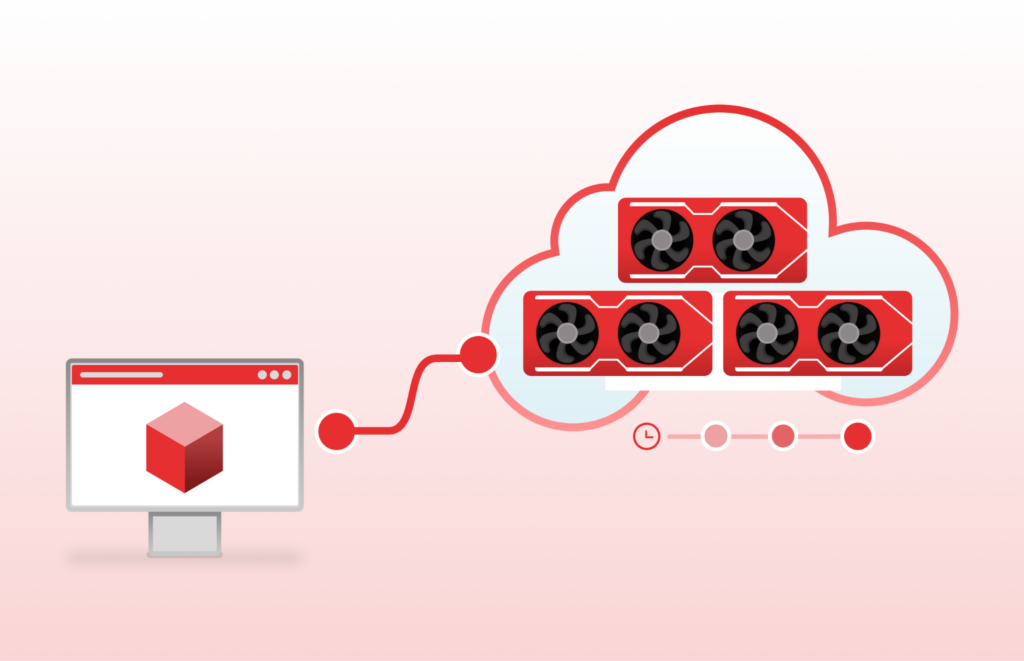
Provider manages the physical hardware, power, cooling and replacement of failed components. The customer manages the software environment, files, permissions and active workloads.
When cloud GPUs make sense
Cloud GPUs are useful when computing requirements change between projects or when the required hardware would be too expensive to purchase for occasional use.
You need powerful hardware occasionally
Local hardware may be sufficient for lightweight inference and regular experimentation, but larger models can quickly exceed the available GPU memory or processing capacity. Teams can use cloud resources for fine-tuning, image generation or demanding inference without making a substantial initial hardware investment.
A project has a tight deadline
Cloud infrastructure can provide several GPUs for a concentrated period. Instead of waiting for one local machine to process every task, a team can distribute suitable workloads across more resources.
You need to compare hardware
AI applications do not perform identically on every GPU. Memory capacity, supported numerical formats, software compatibility and communication speed can affect the results. Renting several configurations allows teams to test real workloads before buying equipment or committing to one hardware type.
Your team works remotely
A cloud environment can provide one shared workspace for people in different locations. Models, files and dependencies can remain in a central environment instead of being copied between personal computers.
Where cloud GPUs become difficult
Cloud GPU costs can grow when machines remain active while idle or when storage, data transfers and related services are overlooked. Automatic shutdown rules, budget alerts and regular usage reviews can help keep spending under control.
Large models and datasets can also take time to upload and download, while popular GPUs may not always be available in the preferred region. Keeping reusable files in cloud storage and preparing alternative GPU types, regions or providers can make the workflow more reliable.
Comparing the costs fairly
A meaningful comparison should begin with expected usage rather than the advertised price of a GPU. Local costs include the GPU, processor, memory, storage, cooling, electricity and maintenance. Cloud costs include active computing time, storage, transfers and supporting services.
Local ownership becomes more attractive when the same hardware is used frequently over a long period. Cloud access becomes more attractive when demand is occasional, unpredictable or temporarily much greater than normal.
Why a hybrid approach often works best
Many teams do not need to choose one environment for every task. Local hardware can handle code development, prompt testing, data preparation and smaller models. Cloud resources can handle larger training runs, demanding inference jobs and temporary increases in demand.
This approach avoids paying cloud rates for every small experiment while reducing the need to purchase enough local hardware for the largest possible project. It also provides another option when the local workstation is busy or unable to support a new workload.
Questions to ask before deciding
– When choosing between local GPUs vs cloud GPUs, consider how often the hardware will be used, how much memory is required and whether the workload needs to scale.
How often will the GPU be used?
Frequent and predictable use supports local ownership. Occasional or uncertain demand generally favors cloud access.
How much GPU memory is required?
Consider the model’s current memory use and its likely future requirements. Larger batches, longer context windows and simultaneous users can increase demand.
How sensitive is the data?
Determine whether project files can leave the local environment and what security controls are required.
How quickly must jobs finish?
A local GPU may be adequate when deadlines are flexible. Cloud scaling becomes more valuable when several tasks must finish within a short period.
Who will manage the system?
Local infrastructure requires physical maintenance and troubleshooting. Cloud infrastructure reduces hardware management but still requires cost controls, access management and software configuration.
Final thoughts
A local GPU provides more control over usage and immediate access to the hardware, as well as predictability about when the hardware will be available. This makes it ideal for daily AI workloads that fit within the limitations of the local machine’s memory.
Cloud GPUs provide flexibility when workloads increase temporarily or require more memory and processing power than the local machine can provide. Ultimately, the decision between local GPUs vs cloud GPUs does not have to be permanent. For many teams, combining both approaches provides the most practical balance between cost, control and scalability.