
Anthropic’s design tool generates working HTML from a prompt. Figma still owns production design. Canva still owns marketing. Here is where the overlap actually lives.
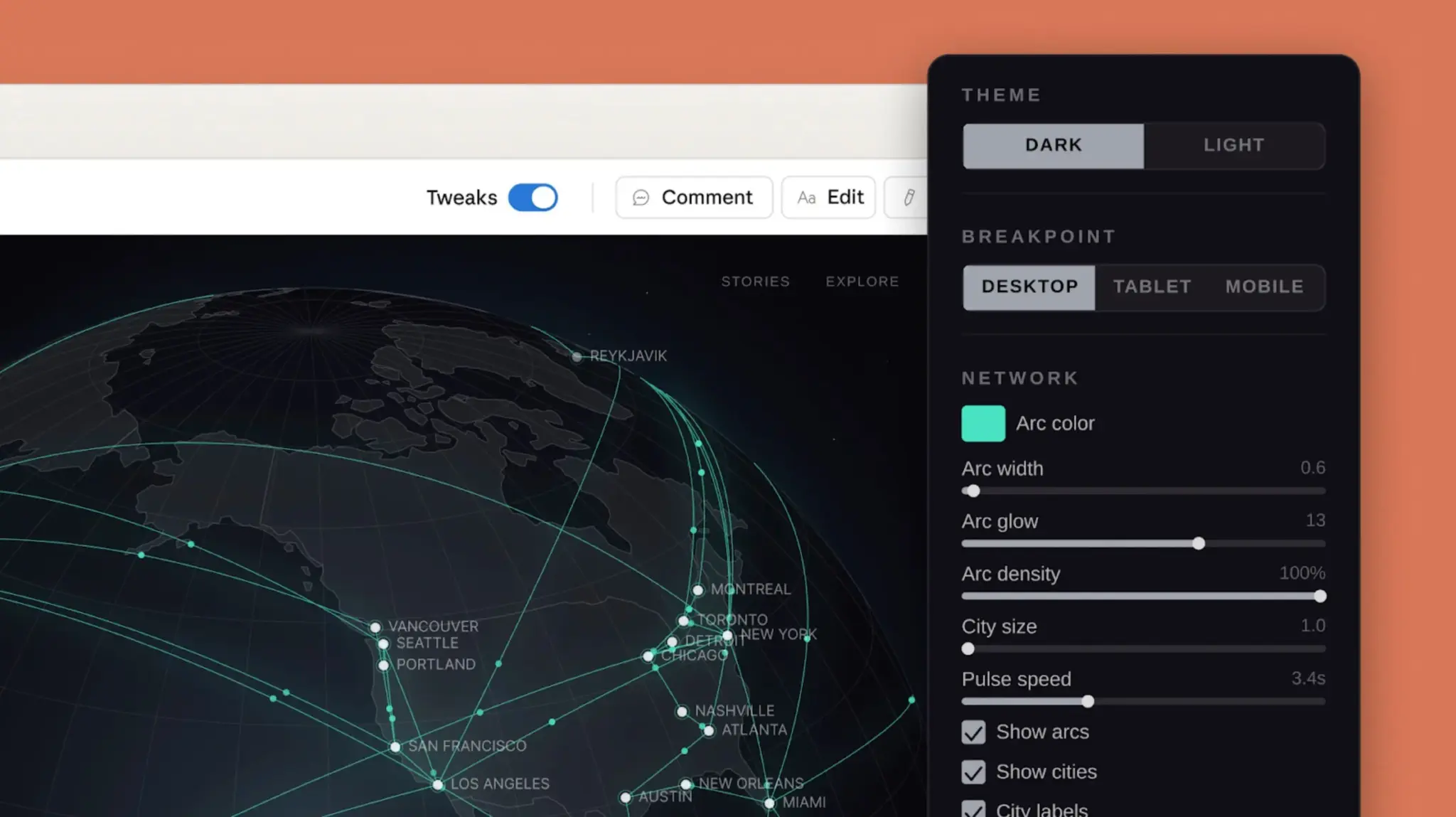
Designing with Claude Design. Image credit: Anthropic
Key Takeaways
- Claude Design, launched by Anthropic on April 17, 2026, generates working frontend code from natural-language prompts rather than editable vector files.
- Figma keeps its lead on production UI work: component systems, real-time collaboration, Dev Mode code export to React and Tailwind, vector illustration, and persistent version history.
- Canva AI 2.0, shipped a day earlier on April 16, 2026, is built around layered editable output, Brand Intelligence, and six agentic workflows covering Slack, Notion, Gmail, HubSpot, Google Drive, and Zoom.
- Claude Design currently exports to PDF, PPTX, shareable URLs, and Canva, but has no direct code-export path at launch.
- Pricing differs sharply: Claude Design is bundled into Claude Pro at $20 per month, Figma runs $15 per editor per month, Canva Pro costs $15 per month.
- For solo founders, engineers, and product managers, Claude Design is strongest for speculative exploration; for designers shipping production UI, Figma remains the production tool.
Claude Design shares a premise with Figma and Canva — turning ideas into visuals on a screen — but the mechanics diverge sharply. Claude writes live HTML, CSS, and JavaScript from a conversation. Figma builds editable design files on a vector canvas. Canva assembles layered artwork from a template library. The three tools occupy the same broad category only if you squint. In practice, each solves a different problem.
The closest overlap sits with Canva. For slide decks, one-pagers, and quick landing pages, Claude Design and Canva produce comparable output, and many users will reach for whichever feels faster.
The overlap with Figma is narrower. Figma wins on component libraries, design systems, team collaboration, vector editing, and developer handoff. Claude Design wins on speed from prompt to working prototype. The table further down this article breaks the differences out feature by feature.
What Claude Design Actually Is
Anthropic did not ship a pixel-precision canvas. What it shipped, in research preview on April 17, 2026, is a conversational surface powered by Claude Opus 4.7 that renders prototypes, slides, one-pagers, and dashboards inside the chat. Describe a pricing page, and Claude writes the HTML and CSS to render it live next to the conversation. Ask for three hero layouts, and you get three rendered options you can click through.
The mechanic at the core is Claude’s Artifacts system. Code streams into a preview panel as it generates, and every follow-up prompt produces a new revision. There are no layers, no frames, no constraints panel. The output is real code rather than a flat image or a non-functional mockup — meaning it can be copied and deployed directly.
What Figma and Canva Each Do Best
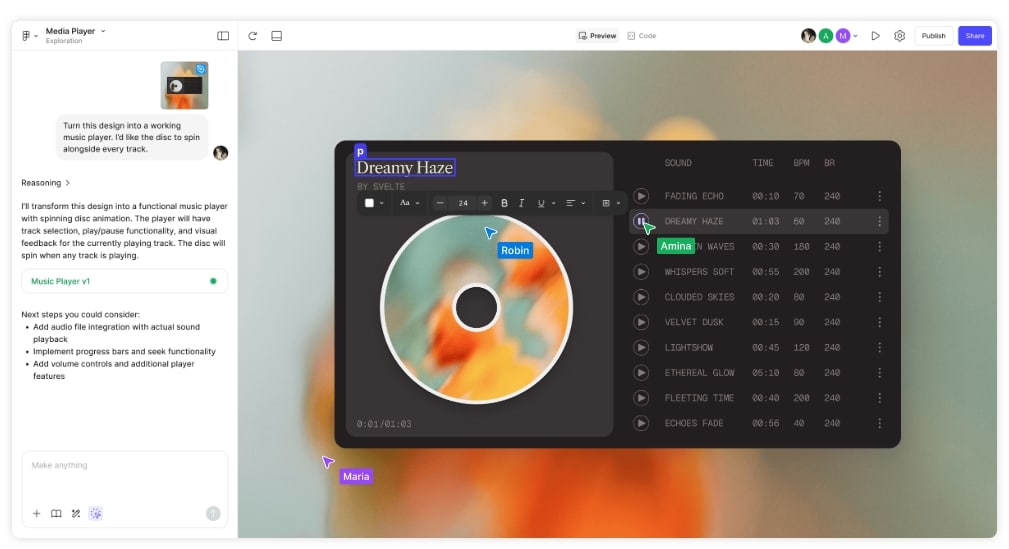
Designing with Figma. Image credit: Figma
Figma is a professional design environment. Product designers, UX researchers, and frontend engineers collaborate inside it on vector-precise work bound for production. The vocabulary matters: auto-layout, variants, design tokens, component libraries, Dev Mode inspection, plugin ecosystem, named version snapshots. None of that translates neatly into a chat box.
Canva targets a different audience. It is built for people who need polished output fast — social graphics, presentations, newsletters, marketing collateral. Canva AI 2.0, launched April 16, 2026, runs on a foundation model trained specifically on design structure and hierarchy. The result is layered editable output rather than flat rasterized images, so changing one headline does not force a regeneration of the whole canvas. Brand Intelligence applies a user’s logo, colors, and fonts across assets automatically.
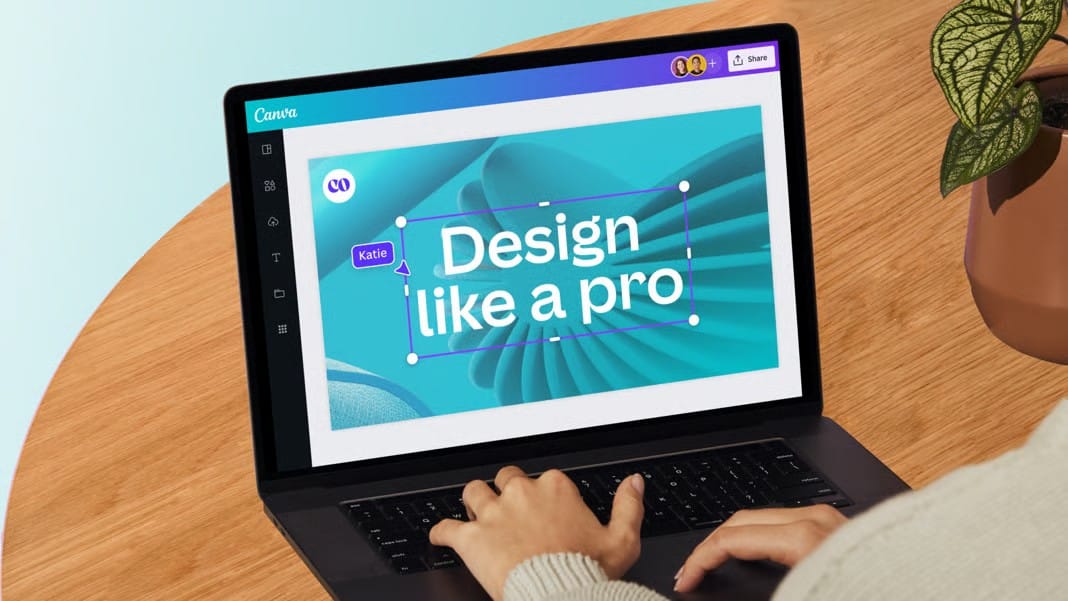
Designing with Canva. Image credit: Canva
Where the Three Tools Genuinely Overlap
The honest overlap sits in three places: slide decks, landing pages, and quick prototypes. For those jobs, all three tools produce credible results. Claude Design does it through a conversation. Canva does it through templates plus generative fills. Figma does it through frames plus auto-layout plus AI features like Make Designs.
The workflows feel nothing alike. Claude assumes the user can describe what they want in words. Canva assumes the user wants to pick a starting template and polish it. Figma assumes the user knows frames, constraints, and variants — or is willing to learn them. The output may look similar; the path to get there does not.
Feature-by-Feature: How the Tools Compare
| Capability | Claude Design | Figma | Canva AI 2.0 |
|---|---|---|---|
| Launch date | April 17, 2026 | 2016, AI features from 2024 | April 16, 2026 |
| Underlying model | Claude Opus 4.7 | Proprietary plus partners | Canva Design Model |
| Prompt to working prototype | Strong — renders HTML | Limited via Make Designs | Good for web via Canva Code 2.0 |
| Pixel-precise UI work | Approximate | Precise | Template-driven |
| Design systems at scale | Partial — reads existing files | Full support | Brand Intelligence auto-apply |
| Real-time collaboration | Single-user | Multi-user with comments | Multi-user |
| Developer handoff | None native | Dev Mode with React, Vue, Tailwind export | HTML via Canva Code 2.0 |
| Vector illustration | No | Yes | Limited |
| Brand kit management | No | Via libraries | Native Brand Intelligence |
| Export formats | PDF, PPTX, URL, Canva handoff | PNG, PDF, SVG, code via Dev Mode | PNG, PDF, MP4, GIF, HTML |
| Entry-level price | $20 per month (Claude Pro) | $15 per editor per month | $15 per month (Canva Pro) |
| Learning curve | Low — conversational | High — full design tool | Low to medium |
Claude Design vs Figma: The Narrow Comparison
Figma produces a specification that engineers build from. Claude produces code that can run directly. That single distinction explains most of what separates the two tools. A design team iterating on a flagship product wants the specification — it embeds the decisions, the design tokens, the variants, the handoff annotations. A solo founder validating an idea over the weekend rarely wants a specification. They want the thing to exist.
Figma also keeps clear advantages on persistent design systems. If fifty components must stay consistent across a product, Figma’s component architecture was built for exactly that job. Claude generates individual components on request but does not maintain a synchronized, persistent design system across sessions. Version history with named snapshots, plugin ecosystem, and multi-user editing round out the Figma lead for production teams.
The reverse pressure is real. For hero section explorations, rough mockups, and throwaway prototypes, the time Figma demands to produce three layout variants exceeds what Claude takes to render them. That gap grows when the person asking is not a designer.
Claude Design vs Canva: The Closer Comparison
Canva is where Claude Design competes hardest. Slide decks, landing pages, and internal one-pagers produced by Claude often match what a non-designer would assemble in Canva, and arrive faster because no interface navigation is required. The user describes the deck; Claude renders it.
Canva keeps real advantages nonetheless. Brand kits upload once and apply everywhere. The template library stretches across hundreds of formats. Image generation, background removal, and Magic Layers sit natively inside the product. Print-ready export connects to print-on-demand services. Canva AI 2.0 adds connectors for Slack, Notion, Gmail, HubSpot, Google Drive, and Zoom, plus Sheets AI and web research workflows — a scope Claude Design does not try to match.
For marketing collateral that must stay consistent across dozens of assets, Canva remains the better pick. For a one-off slide deck or landing page, Claude Design is often faster.
What Claude Design Cannot Do Yet
The gaps matter when evaluating the tool for real work. Claude Design is a single-user experience — no shared files, no comments pinned to a frame, no review-and-approve workflow for stakeholders. Vector illustration is outside its scope. Persistent, synchronized design systems across sessions remain partial. Native code export to React or Tailwind does not ship at launch; the current export paths cover PDF, PPTX, shareable URLs, and a handoff to Canva. Routing through Figma Dev Mode or Canva Code 2.0 fills that gap indirectly.
None of these are permanent limits. Anthropic released the product as a research preview, and the trajectory from past Claude features suggests the gaps will close over time. What the tool looks like in six months is an open question.
The Bigger Picture: Anthropic’s Builder Stack
Claude Design is not a standalone bet on design tooling. It fits into a broader push by Anthropic to turn Claude into a development surface — Claude Code for terminal work, Artifacts for rendered output, and now design generation for visual work. The aim is less about replacing Figma than about making the trip to Figma unnecessary for a growing share of use cases. Code generation and design generation arrive as two layers of the same stack.
That framing explains why the Claude Design comparison with Figma feels slightly off-axis. Figma is a destination tool that design work ends up in. Claude Design is a starting point that may or may not need a destination, depending on whether the output gets deployed directly or refined elsewhere.
Best-Fit Guide by Use Case
| Use Case | Best Tool |
|---|---|
| Quick landing page or prototype | Claude Design |
| Pitch deck or internal presentation | Claude Design or Canva |
| Production UI for a product team | Figma |
| Design system at scale | Figma |
| Social graphics and marketing collateral | Canva |
| Brand-consistent assets across formats | Canva |
| UI component generation for a codebase | Claude Design |
| Custom illustration and vector work | Figma |
So, Are They Really Similar?
They share a category — AI-accelerated design tooling — and not much else. Claude Design generates deployable frontend code from conversation. Figma builds editable design files on a professional canvas with developer handoff as the endpoint. Canva assembles polished marketing visuals around a template library with brand consistency as the core promise. The category label obscures more than it reveals.
The practical answer for anyone choosing between them: match the tool to the job rather than the brand. Production UI work belongs in Figma. Brand-consistent marketing output belongs in Canva. Quick visual artifacts from a prompt — decks, prototypes, one-pagers, landing pages — increasingly belong in Claude Design. The tools do not compete head-on often enough to call them close substitutes.
If you are interested in this topic, we suggest you check our articles:
- AI Agents Blur Business Boundaries
- Anthropic: Creating AI Systems with the US AI Safety & Research Company
- Our In-depth Review of Canva’s AI Platform Features
Sources: Sketch To, MindStudio
Written by Alius Noreika
