Customer onboarding becomes difficult to manage when every new account requires the same emails, document requests, meetings, setup tasks, and follow-ups. As customer volume increases, manual coordination creates missed steps, inconsistent experiences, and unnecessary work for customer success teams.
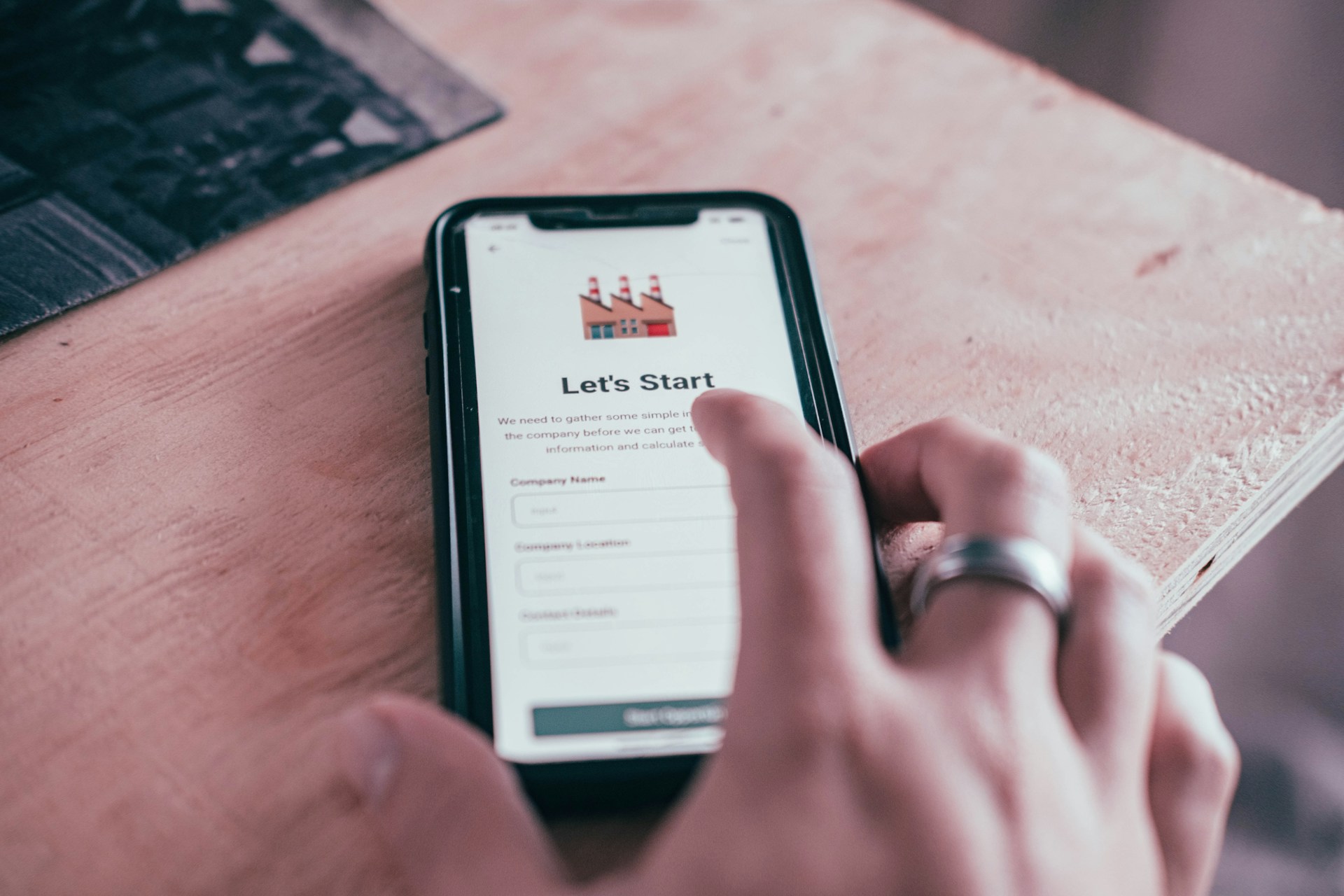
Customer onboarding – artistic impression. Image source: Duncan Meyer via Unsplash, free license
The right automation tools can standardize these processes without making onboarding feel impersonal. Some platforms manage the entire onboarding workflow, while others specialize in product tours, CRM automation, customer communication, or integrations.
Here are six tools worth considering.
1. Onthen: Best for Structured Customer Onboarding
Onthen is built specifically around onboarding customers and other external participants. Instead of sending customers through spreadsheets, project management systems, and long email threads, companies can create a branded page containing the tasks each customer needs to complete.
For teams that need dedicated customer onboarding software, Onthen can automate reminders, collect forms and documents, manage due dates, track task completion, and keep communication attached to individual onboarding activities. Customers access their onboarding through secure links without creating another password.
The platform is particularly useful for service companies and B2B teams where onboarding depends on customers completing several actions, such as signing documents, uploading files, booking meetings, or providing information.
Onthen can also sync onboarding activity with HubSpot records and supports webhooks for connecting workflows with systems such as Zapier or Make.
2. Userflow: Best for In-App SaaS Onboarding
Userflow approaches onboarding from inside the software product.
Instead of managing external implementation tasks, it helps SaaS companies guide users through the application itself. Teams can create product tours, checklists, surveys, banners, and contextual guidance without building every onboarding component from scratch.
This makes Userflow useful when customer onboarding success depends on reaching an activation event inside the product.
For example, an analytics platform might guide a new user through connecting a data source, creating the first dashboard, and inviting a teammate. Once those milestones are complete, the customer has experienced the actual product rather than simply finished an administrative checklist.
3. Intercom: Best for Combining Guidance and Communication
Intercom is useful when onboarding requires both in-product education and customer communication.
Its Product Tours feature allows teams to build multi-step interactive tours that guide customers through specific product actions. Tours can be triggered for selected audiences and shared through messages or conversations.
This works well for software companies that already use customer messaging as part of their support or success process.
Rather than creating one long tutorial for every new account, teams can trigger relevant guidance when customers visit a certain page or need to learn a particular feature.
The result is onboarding that responds more closely to what the customer is actually doing.
4. HubSpot: Best for CRM-Based Onboarding Workflows
HubSpot is a practical choice when onboarding needs to stay closely connected to sales and customer records.
Customer onboarding can be structured around CRM lifecycle stages, pipelines, automated tasks, playbooks, and customer data. This can reduce the information gap that often appears when an account moves from sales to implementation or customer success.
For example, changing a deal to closed-won can initiate post-sale processes, create tasks, and move the customer into an onboarding pipeline.
Because the customer record remains central, sales, onboarding, and support teams can work from the same account history rather than maintaining separate records.
5. Zapier: Best for Connecting the Onboarding Stack
Many companies do not need another system for customers to use. They need their existing systems to communicate.
Zapier can automate actions between applications when predefined events occur. Its customer onboarding workflows can support account configuration, welcome sequences, task assignment, milestone tracking, and other processes across connected platforms.
A completed sales transaction might trigger several actions automatically.
Zapier could create an onboarding project, notify the customer success team, add the customer to an email sequence, create a folder, or send information into another business application.
This makes Zapier most valuable as the automation layer connecting other onboarding tools.
6. Appcues: Best for Product Adoption Experiences
Appcues is another strong option for SaaS companies that want onboarding to happen inside their product.
The platform focuses on product adoption experiences such as walkthroughs and other contextual guidance. Appcues recommends designing product tours around a specific activation goal rather than showing users every available feature at once.
That approach is important because completing a product tour does not necessarily mean a customer has successfully onboarded.
A stronger workflow identifies the first meaningful result the customer needs to achieve and guides them toward it.
For product-led businesses, this makes onboarding measurable against activation rather than simple tutorial completion.
What to Compare Before Choosing a Tool
Different onboarding tools solve different problems, so start by mapping the current process before evaluating software.
Evaluate These Capabilities
- Customer-facing task management
- Automated reminders
- Document and form collection
- CRM synchronization
- Product tours and in-app guidance
- Workflow triggers
- Customer segmentation
- API and integration support
- Progress reporting
- Branding controls
- Role-based permissions
- Feedback collection
Avoid choosing software based on the longest feature list.
A company that mainly needs customers to upload documents and complete implementation tasks has different requirements from a SaaS business trying to increase product activation.
Automate Handoffs Between Teams
One of the highest-value automation opportunities occurs immediately after the sale.
Customer information often has to move from sales to implementation, customer success, finance, and support. Manual handoffs increase the chance that context is lost.
Create an explicit trigger for onboarding.
That might be a contract signature, payment, closed-won deal stage, or account creation event. Once the trigger occurs, the onboarding workflow should start automatically and assign responsibility to the correct people.
This reduces the gap between purchasing and getting started.
Automate Reminders Without Over-Messaging
Follow-up is another process that can consume significant staff time.
Customers may need to provide documents, configure accounts, invite users, schedule meetings, or approve work before onboarding can progress.
Automated reminders are useful, but they should be linked to actual status.
Do not send a generic reminder asking customers to complete onboarding if only one specific task remains. Tell them exactly what is outstanding and what happens after it is completed.
Measure Onboarding Performance
Automation should improve measurable outcomes rather than simply reduce email volume.
Track how customers move through the process.
Useful Metrics Include
- Average onboarding completion time
- Time to first value
- Task completion rate
- Percentage of overdue tasks
- Product activation rate
- Drop-off by onboarding stage
- Customer questions per onboarding
- Completion rate by customer segment
Look for bottlenecks rather than only overall averages.
If customers regularly stop at the same document request or configuration step, that stage may need clearer instructions or a simpler workflow.
Build an Onboarding Stack Around the Customer Journey
There is no single best onboarding tool for every company.
Onthen is well suited to structured customer-facing onboarding processes. Userflow and Appcues focus more heavily on in-product adoption. Intercom combines product guidance with communication, HubSpot connects onboarding to CRM data, and Zapier can automate actions between the systems already in use.
The strongest setup may involve more than one platform.
Start by mapping every step from closed sale to successful customer. Identify what employees perform manually, what the customer must complete, and what product activity defines successful activation.
Then automate repetitive coordination while keeping people involved where judgment, troubleshooting, or relationship management adds value.
Good onboarding automation should not make customers feel like they are moving through a machine. It should remove the administrative friction that prevents teams from giving customers useful attention when they actually need it.