
On paper, “automation” sounds straightforward: define the steps once, and let software run them forever. In reality, workflows don’t stay still. People email half the details. Policies change. Exceptions become the rule. A form field gets renamed and suddenly your carefully built flow stops at step three.
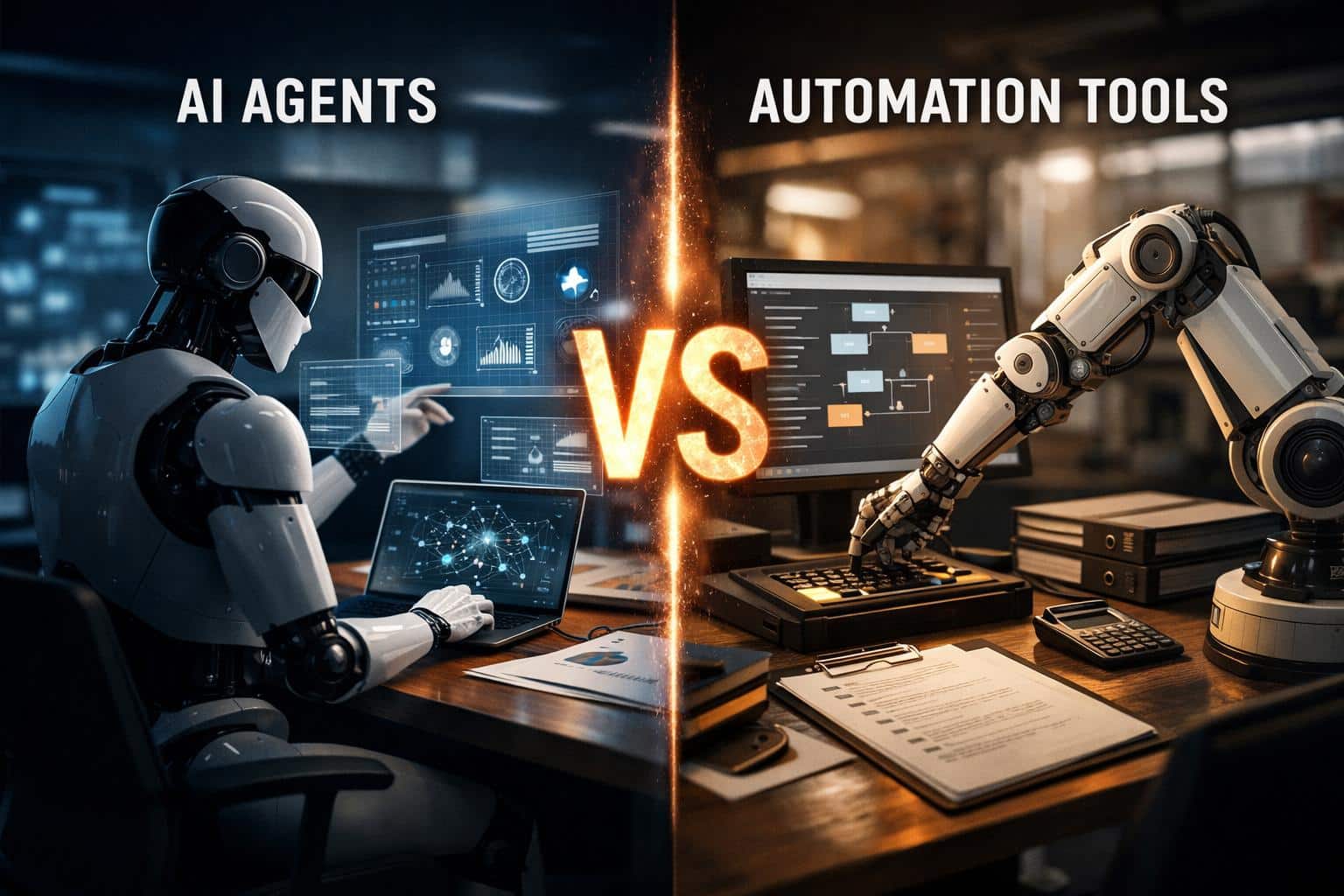
If you’re comparing AI agents vs traditional automation tools, you’ll notice the conversation often gets muddled because both promise “less manual work.” The difference isn’t the promise – it’s the mechanism.
This piece breaks down how each actually works, where each one fails, and how to make the right call between AI agents and traditional automation tools based on what your workflow really looks like.
The Core Difference Between AI Agents and Traditional Automation Tools
Traditional automation is workflow execution: “When X happens, do Y.”
AI agents are goal execution: “Achieve outcome Z — figure out the steps as you go (within guardrails).”
That’s the core of the AI agents vs traditional automation tools debate, and it shapes everything downstream: how you deploy them, where they break, and what governance looks like. It’s also why working with an agentic AI company on the architecture, rather than retrofitting tools after the fact, tends to produce better outcomes in practice.
Traditional Automation: Fast, Predictable, and Sometimes Fragile
Traditional automation tools shine when work is stable and inputs are structured. They run best on:
- clear triggers (a form submitted, a record created),
- known fields (invoice number, amount, SKU),
- deterministic logic (if/then routing, approvals, thresholds).
This includes classic workflow automation, rules engines, and RPA. RPA, for instance, is widely used to automate repetitive interactions with software when APIs are limited – it can be powerful, but it’s also famous for breaking when UI or screens change.
“Wins on automation” scenario: accounts payable
What happens in the real world
A company receives 400-2,000 invoices per month. Most of them follow a predictable pattern: vendor ID is known, PO matches, amounts fall within tolerance, and approvals follow the same chain.
Why it works:
High volume, low ambiguity, strong audit trail. If extraction fails, it’s clear where and why. That determinism is the point.
Where it cracks:
A vendor changes their invoice layout. The PO is missing. A department uses a new cost center. Suddenly, you have a growing “exceptions queue,” and the team spends time babysitting rules instead of processing invoices.
That messy 20% is usually what pushes teams to reconsider whether traditional automation is the right tool at all.
AI Agents: Goal-Driven Systems That Plan, Use Tools, and Adapt
IBM describes agentic AI as systems that can accomplish goals with limited supervision, often coordinating multiple agents through orchestration. Google Cloud explains that agents are the “building blocks”, while agentic AI is the coordinated use of agents and tools to complete broader outcomes.
A practical definition (not marketing):
An AI agent can reason about context, plan steps, and use tools (APIs, internal systems, knowledge bases) to move toward a goal – and when it hits a dead end, it can adjust or ask a clarifying question instead of just failing.
AWS’s executive brief frames it similarly: agents “reason, plan, and act” across multistep workflows, using memory and adaptable interactions rather than isolated prompts.
“Wins on agents” scenario: IT helpdesk triage
What happens in the real world:
Employees don’t submit clean tickets. They write:
“VPN keeps dropping since the update, and I can’t access the finance drive. Also Teams is weird.”
Traditional automation approach:
Keyword routing (“VPN” – Network queue). Maybe a bot asks for device OS. Often it still ends as a manual triage job because the request mixes issues.
Agent approach (with guardrails):
- Read the message and identify likely categories (VPN, access permissions, Teams performance)
- Ask 2-3 clarifying questions (“Are you on corporate Wi-Fi or home? Any error code? Since what time?”)
- Pull device context from MDM or directory (if allowed)
- Create separate tickets or route to the correct queue, attaching a structured summary
- Suggest safe self-serve steps (reset VPN profile, check account lock) and link the correct KB articles
Language-heavy inputs, high exception rate, and real value in shortening time to the right owner. That’s the profile where agents outperform automation consistently.
Four Ways AI Agents and Traditional Automation Tools Differ
1) Rules vs reasoning
Traditional automation executes what you already know.
Agents handle what you didn’t explicitly model, within boundaries. These are among the key AI agent concepts that shape how you design and constrain them in practice.
That’s why agents often outperform automation in customer support triage, document-heavy workflows, and operations where people communicate in free text.
2) “Stops on exception” vs “works the exception”
Automation usually stops when assumptions break. Agents can try a different route: look up missing info, ask a question, or propose options.
3) Clear logs vs richer traces
Workflow tools log steps (Step A, Step B). Agents require deeper observability: what data they saw, which tool they called, what action they proposed, and where they were uncertain. NIST’s AI RMF emphasizes trustworthiness traits like transparency and accountability, plus ongoing risk management (Govern/Map/Measure/Manage).
4) Low surprise vs higher surprise (unless you design guardrails)
Traditional automation is boring – and boring is good in finance, compliance, and security.
Agents can surprise you. That’s why permissions, approvals, and “blast radius” control are non-negotiable in any serious deployment.
Three Business Patterns Where Teams See Real ROI
Pattern A: Insurance/claims intake (document chaos)
AWS lists “processing claims” as a representative area for agentic workflows, which tracks with what many insurers face: mixed PDFs, photos, handwritten notes, and missing documentation. An effective agent design typically:
- extracts key fields,
- flags missing evidence,
- routes to adjusters with a structured summary,
- and creates a checklist for follow-up – while leaving final decisions to humans.
Pattern B: Marketing reporting that doesn’t waste human brains
Weekly reporting is one of the clearest examples of how AI is transforming business workflows. It’s a classic “automation but also interpretation” job:
- Pull data from GA4/Search Console/ads platforms (automation)
- Explain what changed and what to do next (human judgment)
A good hybrid model is: automation collects metrics, an agent drafts a narrative (CTR dipped on these pages, top queries shifted, here are 3 hypotheses”), and a human edits and approves. This is also where teams working with an AI digital marketing agency may combine classic ops automation with AI-assisted insight generation.
AI Agents vs Traditional Automation Tools: A Decision Checklist
If you’re stuck in AI agents vs traditional automation tools debates, ask these questions:
Choose traditional automation when:
- Inputs are structured and consistent
- The workflow is stable for months
- You need deterministic behavior and simple auditing
- Exceptions are rare and should stop the process
Choose AI agents when:
- Inputs are mostly free text, documents, or mixed formats
- Exceptions are frequent and humans spend time “figuring out what to do”
- The job is outcome-based (triage, resolve, summarize, coordinate)
- You can implement guardrails and monitoring aligned with risk management principles (NIST AI RMF is a solid baseline).
Most teams end up with a hybrid
A common architecture is:
- automation for triggers, data movement, permissions, and logging
- agents for interpretation, planning, and drafting actions via tools
For most teams, this hybrid is the most realistic answer: reliability where the process is stable, flexibility where humans are currently the bottleneck.
Guardrails: The Part Teams Skip, Then Regret
If you deploy agents, treat autonomy like a dial:
- Read-only (summarize, classify, recommend)
- Draft-and-approve (writes tickets/emails/updates for a human to approve)
- Limited-action (can tag, route, update low-risk fields)
- High autonomy only in tightly bounded environments
NIST’s AI RMF is useful here because it pushes you toward ongoing governance, measurement, and monitoring, not a one-time “ship it” mindset.
Bottom line
Traditional automation is best when the world is predictable and rules cover most cases. AI agents are best when the world is messy, inputs are human, and the real work is in interpretation and coordination.
If you want the fastest path to value: pick one workflow where humans spend time on triage, summarization, or cross-system coordination. Put automation on the rails, put an agent on the reasoning layer, and keep risky actions behind approvals. That’s how teams get real value out of this shift without falling into “agentic theater”.
