Key Takeaways
- Small and medium-sized businesses claim their ChatGPT profile through Business Hub, part of OpenAI’s Businesses in ChatGPT beta launched on 10 November 2026.
- The process: sign in with a company-owned account, open Business Hub, find your listing, verify ownership by phone, business email, website DNS record or Shopify, then pass a Persona identity check.
- Once verified, you can edit your description, category, logo, contact details and delivery and returns policies, upload product feeds and invite your team or agency.
- Insights show how often ChatGPT mentions you, website clicks and common discovery topics over 7 or 28 days, but never individual chats.
- Claiming is free for now and does not raise your visibility in ChatGPT’s answers.
- Online businesses can claim almost anywhere ChatGPT is available. Local shops and restaurants can only claim existing US listings for now.
- Business Agents, branded chat assistants on your profile, opened to eligible ecommerce and online service businesses outside the US on 19 November.
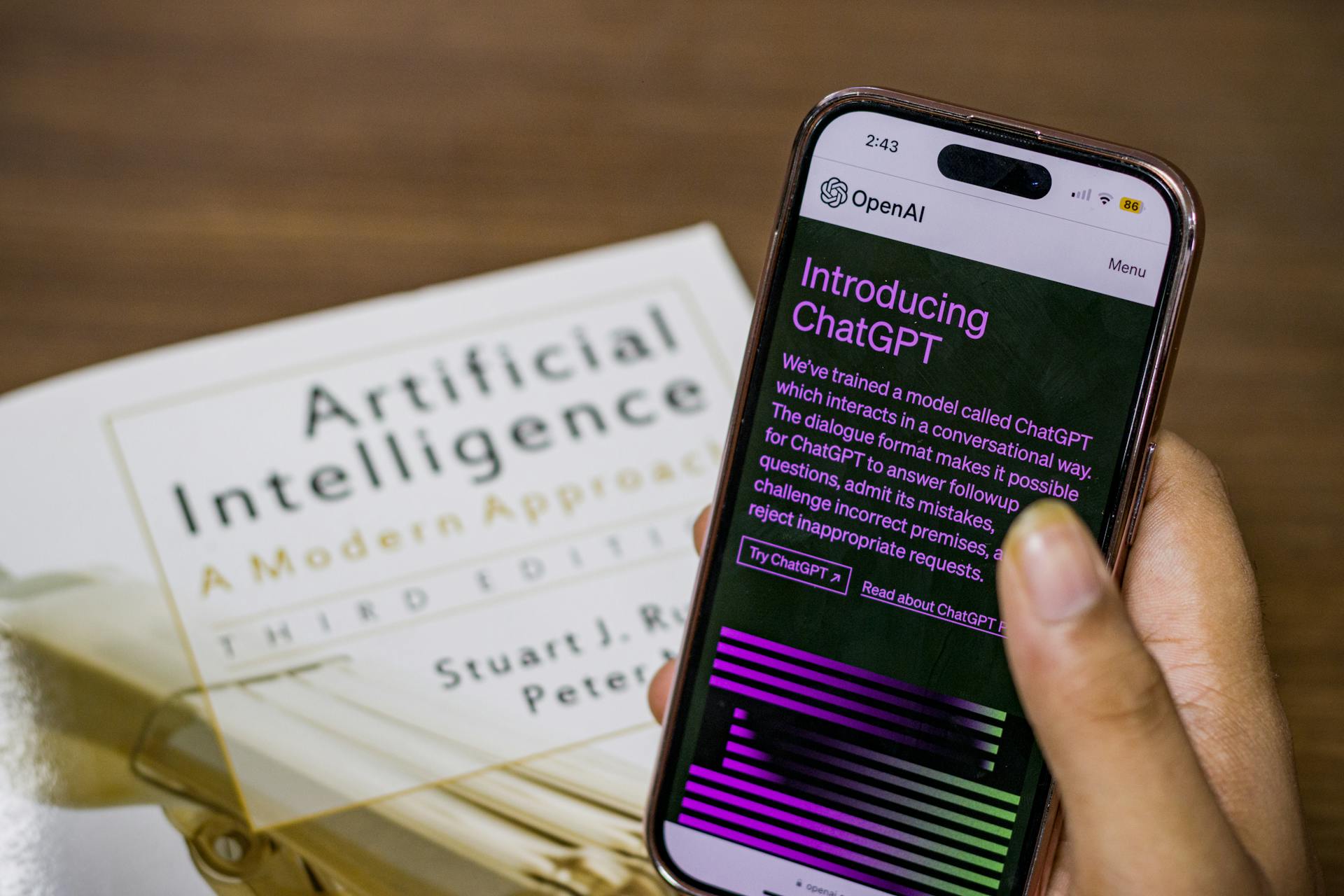
AI, ChatGPT – artistic impression. Image source:
Sanket Mishra via Pexels, free license
SMEs can claim and manage their profile in ChatGPT through OpenAI’s Business Hub. You sign in, find your business, prove you own it, pass an identity check and then keep the details up to date. Once that is done, you control what ChatGPT shows about your company, from opening hours and returns policy to product prices, and you can see how often it recommends you.
OpenAI introduced the programme, called Businesses in ChatGPT, in beta on 10 November 2026. It says ChatGPT reaches about 1.2 billion people a week. For a small firm, it works much like a Google Business Profile, but for AI answers. This guide covers each step, what the dashboard shows and the limits you should know about before you start.
First, a Quick Naming Note
Many people search for “ChatGPT Business profile,” but the profile tool is not the same as OpenAI’s paid ChatGPT Business plan. The names overlap, so here is how they differ.
| Name | What it is |
|---|---|
| Businesses in ChatGPT | The overall beta programme for business profiles, Insights and Business Agents |
| Business Hub | The dashboard where you claim and manage your business (chatgpt.com/business-hub) |
| Business Agent | A labelled chat assistant that represents one business on its profile |
| Sponsored Business Agent | A Business Agent used as the landing point for a paid ChatGPT ad |
| ChatGPT Business | A paid team workspace subscription, unrelated to Business Hub |
Who Can Claim a Profile
Online businesses can claim a listing, or add one, wherever ChatGPT and OpenAI’s verification are available. Local stores and restaurants are more restricted: for now they can only claim a listing that already exists in the US. A shop in Vilnius, Leeds or Lyon that ChatGPT has not listed cannot claim yet.
Each brand is managed separately, and claiming the main brand does not claim its locations. Multi-location businesses have to claim each site on its own, and central management across brands is not available yet. Existing OpenAI Enterprise customers and advertisers can also claim through their OpenAI representative.
How to Claim Your Business in ChatGPT, Step by Step
Step 1: Use a company-owned ChatGPT account
Sign in with an account your business will keep, such as one tied to a work email. A free account works. The account that makes the claim becomes the profile’s admin, so avoid a staff member’s personal login that may leave with them. Decide early who in the company approves changes.
Step 2: Open Business Hub and find your listing
Open Business Hub from the ChatGPT sidebar or go to chatgpt.com/business-hub. Search for your business name and choose the listing that matches your name and address. Continuing means accepting the Businesses in ChatGPT terms, so read them first.
Step 3: Prove you own the business
OpenAI offers four ways to verify ownership. Pick the one you can complete fastest.
| Verification method | How it works | Good for |
|---|---|---|
| Business phone | A code sent by text or automated call | Local businesses with a listed number |
| Business email | A code sent to an address on your domain | Most SMEs |
| Website domain | Add a TXT record to your DNS settings, then click verify | Firms with access to their domain settings (send the record to your web host if needed) |
| Shopify | Connect your store from Business Hub or the Shopify admin | Shopify merchants |
Step 4: Pass the Persona identity check
After your claim is approved, the person managing the profile must pass an identity check through Persona. OpenAI may ask for a government-issued ID, business registration details and proof that you can represent the company. The name, address and registration or VAT details must match official records exactly. Until this check is approved, you cannot publish changes, see Insights or get the blue verified badge.
Step 5: Complete the profile
Fill in each section: a short description of what you do, your main and extra categories, contact details, logo, cover photo, and delivery and returns policies. Use the same business name, address and phone number as on your Google profile and website. OpenAI reviews changes before they go live, and there is no separate publish button, so save only when everything is correct.
Step 6: Connect a product feed if you sell online
Online sellers can share products, prices and availability through a CSV file that follows OpenAI’s feed specification, a hosted feed URL or a Shopify connection. You must verify your business domain first; until then, the add-products button stays disabled. Business Hub shows Feeds, Upload history and Issues tabs so you can fix errors. Eligible Shopify products are already included in ChatGPT through Shopify Catalog.
Step 7: Add your team or agency
The admin can invite colleagues by email and grant an agency access to manage the profile or its agent. Everyone signs in with their own ChatGPT account. Do not forward your personal claim invitation to someone else.
Managing Your Profile After Setup
The Insights tab is where you track results. It shows three measures over 7 or 28 days. Mentions count how often ChatGPT references your website, or, for local businesses, how often your location appears in a result. Website clicks count recorded clicks to your site. Discovery topics group the themes of conversations that cited you, showing five topics plus “Other.”
Read these numbers carefully. A local mention is counted even if nobody opens your listing, so it measures exposure rather than demand. Data arrives with a delay of about two days, and metrics only appear above OpenAI’s minimum thresholds. A blank figure usually means not enough data, not zero. You will not see individual prompts, chats, competitor data or sentiment, because OpenAI says it does not share users’ conversations or agent chats with businesses.
Check the dashboard monthly and update the profile whenever prices, hours or policies change. Remember that published profiles cannot be deleted, unpublished or hidden by OpenAI Support as part of a setup or ownership request, so get the details right before you save.
Business Agents: What They Can and Cannot Do
A Business Agent is a chat assistant that sits on your ChatGPT profile. When your business appears in an answer, a user can open your profile and ask the agent follow-up questions about products and policies. The conversation is clearly labelled and kept separate from ChatGPT’s own answers.
Agents first launched for eligible US ecommerce and online service businesses. On 19 November, OpenAI extended eligibility to ecommerce and online service businesses based outside the US. Setup is simple: review the information the agent will use, write answering guidelines, test it with real customer questions and publish.
The rules are strict. An agent cannot complete purchases, bookings or order checks, must say it is an AI, cannot use false urgency or pressure tactics, cannot ask for high-risk personal data and cannot give licensed professional advice. You can also promote an agent as a Sponsored Business Agent through ChatGPT Ads Manager. Those ads are paid through normal campaign billing and are labelled separately, and OpenAI says ads do not affect ChatGPT’s answers.
What It Costs and What It Does Not Do
Launch materials list no fee for claiming a profile, managing it, viewing Insights or building an agent, though OpenAI has not committed to future pricing. Only promotion through ChatGPT Ads costs money.
The key limit is visibility. OpenAI’s guidance states: “Claiming a profile or disputing ownership doesn’t change its visibility in ChatGPT.” A claimed profile makes your information accurate; it does not make ChatGPT recommend you more often. Connecting a product feed does not guarantee recommendations either.
Practical Tips for SMEs
ChatGPT builds its picture of a business from many places, so the profile is only one piece. A BrightLocal study of nearly 2 million citations from more than 200,000 local searches, published in September 2026, found that ChatGPT used Google Business Profile very little and leaned more on Yelp and Bing. Facebook pages were cited for 93% of the businesses studied. A Squarespace survey of 1,041 owners found that 40% of those who checked their AI descriptions found incorrect information.
| Platform | Listing tool | Eligibility | Cost |
|---|---|---|---|
| ChatGPT | Business Hub (beta) | Online businesses; local listings in the US only for now | Free for now |
| Google Business Profile | Storefronts and service-area businesses | Free | |
| Bing / Copilot | Bing Places for Business | Businesses listed on Bing; can import Google data | Free |
| Apple | Apple Business | Businesses with a location in 200+ countries and regions | Free |
Keep your name, address, phone, hours and services identical across your website and every listing. Keep review sites and your Facebook page current, because outdated pages spread wrong details. Do not pay anyone who promises guaranteed AI placement; neither claiming nor advertising guarantees it. If you want outside help, our guide on who can help your brand appear in ChatGPT and Perplexity results explains what to look for, and the difference between SEO, AEO and GEO sets out the basics.
Treat the profile as part of a wider plan. AI search is moving demand generation earlier in the buyer journey, and our 11-month tracking study across six AI engines found that citations did not simply follow published content. With ChatGPT’s audience now past a billion people a week, a verified, accurate profile is a low-cost way to make sure that audience sees the right facts about your business.
If you are interested in this topic, we suggest you check our articles:
- Who Can Help My Brand Appear in ChatGPT and Perplexity Results?
- How SEO Differs From AEO, GEO and AIO
- Why AI Search Is Moving Demand Generation Earlier in the Buyer Journey
- We Tracked One Brand Across Six AI Engines for 11 Months
- When ChatGPT Reaches 1 Billion Weekly Users
Sources: OpenAI, Forbes, Inc., Brandlight, Male-B, Maas, ChatBakers, Passionfruit
Written by Alius Noreika