If you’ve launched a business before, you probably know firsthand the challenges of turning your idea into a full-fledged brand. One dilemma you probably experienced when building your brand — regardless of whether it’s your first or not — is how to design your logo.
In the past, there were only two options: hire a professional designer or learn complex design software. However, both can be expensive or time-consuming. Fortunately, AI design tools have emerged, making it easier for business owners to build and launch their new brands much faster than before.
Still, choosing the right platform depends on what you need the most. Some tools prioritize quick logo creation, while others offer complete brand kits or greater creative control.
At a Glance
Here’s a quick look at the six best AI logo design tools worth trying:
| Tool | Best For | Free Plan | Standout Feature |
| Design.com | Quick logo design and overall branding | Yes | AI chat editor and automatic branding |
| BrandCrowd | Designer-made templates | Yes | Extensive designer-made logo library |
| Canva | Everyday graphic design | Yes | Drag-and-drop editor and template library |
| Adobe Express | Adobe design resources | Yes | Guided logo maker |
| Wixel | Conversational AI design | Yes | AI assistant (Aria) |
| Looka | Brand identity kits | Previews only | Coordinated branding assets |
1. Design.com
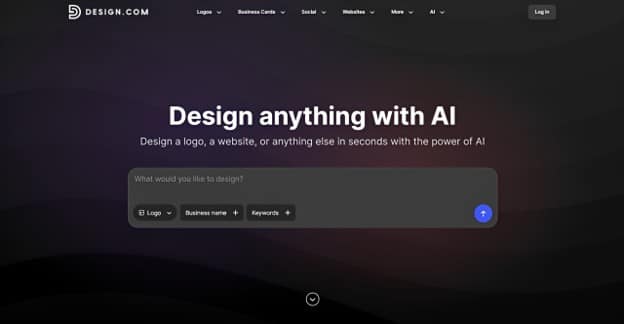
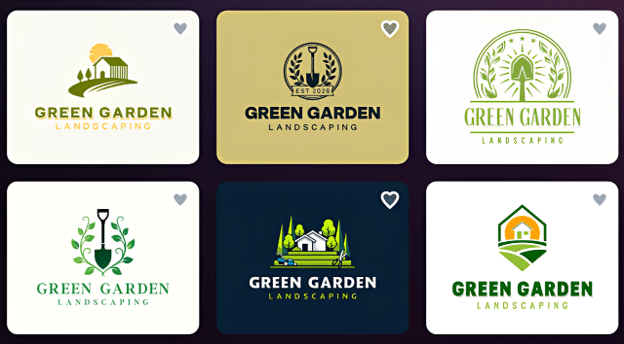
Design.com is an all-in-one branding platform known for its logo creation capabilities. Its logo maker generates thousands of industry-relevant logo concepts from a single prompt containing your business name and description. Once you’ve finalized your logo, Design.com automatically applies it across its templates, making it easy to create visually consistent marketing materials.
Samples:
Key features:
- Instant AI logo generation based on your prompt
- Library of 500,000+ professionally designed logo templates
- AI chat editor and manual customization features
- Various file formats (JPG, PNG, SVG, EPS, PDF), including transparent backgrounds and icon-only versions
- Automatic branding feature for brand consistency
- 50+ design and branding tools for business cards, websites, social media assets, etc.
Pricing:
Design.com lets you create, customize, and download complete logos using free logo templates with no upfront costs. Paid plans start at $3/month (billed annually) or $9/month (billed monthly with access to all premium templates and 50+ AI tools.
2. BrandCrowd
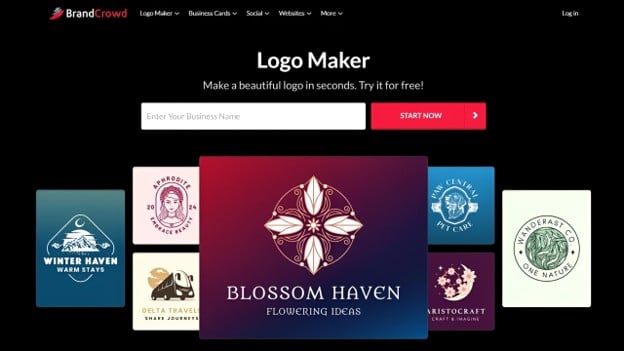
BrandCrowd combines AI and its library of 380,000+ logo templates to generate designs based on your business name and keywords. Browse thousands of results, select your preferred AI logo design, and customize it using AI and manual editing tools. Once you’re satisfied, you can download it as a high-res or vector file and use it to create matching branding materials.
Pricing:
Free logos are available, with downloads in high-res and vector formats. Paid plans start at $3/month (billed annually) or $9/month (billed monthly).
3. Canva
Canva has become one of the most popular design platforms in recent years, thanks to its drag-and-drop editor and extensive template library. While commonly used for everyday graphics, it also lets you create logos using customizable templates or Canva AI. The platform also offers a Brand Kit to help maintain consistency across your designs.
Pricing:
Free templates and downloads (JPG and PNG). Canva Pro costs $15/month and unlocks SVG files and full access to Brand Kit.
4. Adobe Express
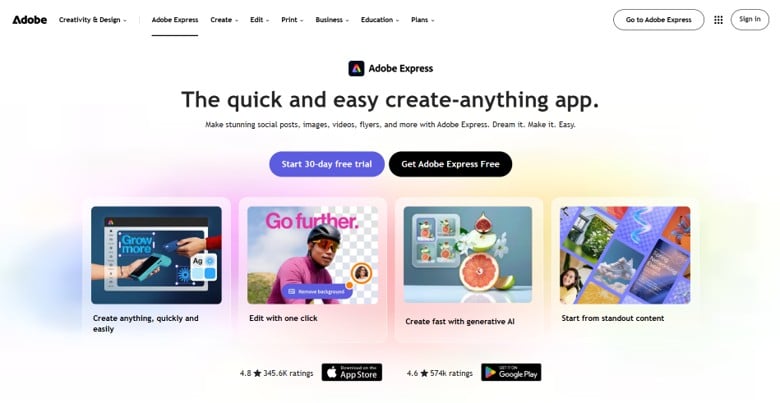
Adobe Express brings Adobe’s design resources into a beginner-friendly online editor, offering tools for logo creation, social media graphics, and other visual materials. It provides a guided process where you enter your business name and select an icon and visual style. The platform also offers a Brand Kit feature to help you create visually consistent marketing materials.
Pricing:
Free logo creation and downloads. Adobe Express Premium costs $9.99/month with access to Brand Kit and other premium features.
5. Wixel
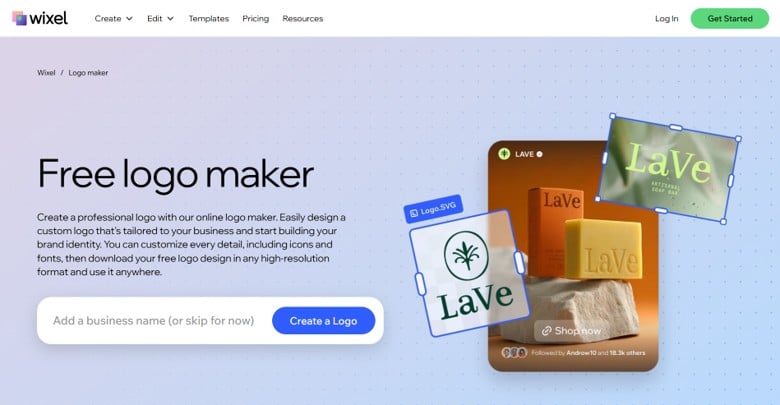
Wixel is an AI design platform developed by Wix. It features an AI assistant called Aria, which guides you through the logo creation process. Simply enter your business name and answer Aria’s questions to generate logo concepts based on your preferences. Beyond logo creation, Wixel also lets you create a brand kit for developing consistent branding materials.
Pricing:
Free plan available with 120 AI credits per month. Paid plans start at $90/year.
6. Looka
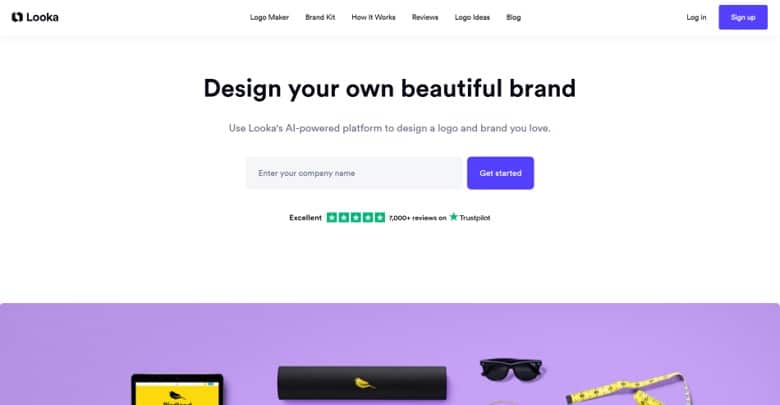
Looka uses your business name, industry, and design preferences to generate logo concepts tailored to your brand. You can customize your design using the platform’s editor, adjusting colors, text, layouts, and other visual elements. After finalizing your design, the platform can generate a brand kit with matching templates for various marketing materials.
Pricing:
Free logo creation and customization. Basic logo package starts at $20; Brand Kit subscription starts at $96/year.
Final Thoughts
You don’t have to go through the same struggles you faced when you launched your first brand. AI logo design tools now make it easier to create a logo for your new business without hiring a professional designer or learning complex software.
Among the tools covered, Design.com stands out as our top recommendation for business owners and entrepreneurs building a complete brand from scratch. Beyond generating thousands of logo concepts relevant to your business, it offers flexible customization tools and automatic branding features to help maintain a consistent visual identity across your marketing materials.
Ultimately, the right AI logo design tool depends on your branding needs and how much control you want over the design process. What matters most is choosing a tool that helps you create a logo that represents your business and works well across different applications.