Explaining a computer vision model to a buyer who isn’t technical is harder than explaining almost any other kind of software, because the thing you built doesn’t look like much on a screen until it’s doing something. A static screenshot of a bounding box around a factory defect doesn’t sell the product, which is exactly the gap most computer vision teams run into before they’ve even thought about Higgsfield or any other generative tool. After months of watching technical teams struggle to brief freelancers on what their own model actually does, I tested whether Higgsfield’s AI Video Editor could close that specific gap, and the results were more useful than I expected for this exact problem.
Why Are Computer Vision and AI Startups Struggling to Explain What They Built?
Most demo videos for technical AI products fail for the same reason: whoever is making the video doesn’t understand the product well enough to show the right moment. A freelance editor can cut a clean video, but they can’t tell you that the interesting part of an object detection model isn’t the bounding box itself, it’s how confidently the model handles a cluttered background or a partially obscured object. That context usually lives in the founder’s or engineer’s head, not in a creative brief.
The result is a lot of technical product pages with either no video at all, or a generic explainer built from stock footage that could describe any SaaS tool. Neither helps a buyer who’s trying to decide whether your specific model fits their specific use case.
What Are the Free or DIY Ways to Make a Product Demo Video?
Screen Recording With a Voiceover
The cheapest option is a founder or engineer recording their own screen while narrating what the product does. This works reasonably well for a quick internal walkthrough, but it reads as rough for anything customer facing, and most technical people who are not used to being on camera or on mic for an audience find the narration part uncomfortable.
Hiring a Freelance Video Editor
The next step up is briefing a freelancer to cut something more polished from screen recordings and stock footage. This produces a cleaner result, but it adds a review cycle for every revision, and the editor still depends entirely on the technical team to explain which part of the product is actually worth showing.
Where Do These Manual Methods Fall Short for a Technical Product?
Both approaches share the same core problem: iteration speed. A technical product’s best demo moment often isn’t obvious until you’ve tried filming three or four different angles on what the model actually does well. Briefing a freelancer again or recording a screen capture over from scratch for every small change in framing or pacing turns a quick test into a cycle that stretches across several days, and most technical teams give up after the first pass rather than iterating toward something that actually lands.
There’s also a tone problem specific to this audience. A demo that looks too polished and reads like an advertisement can undercut credibility with a technical buyer who expects a straight, unembellished explanation rather than marketing gloss. That’s a narrower needle to thread than most generic product marketing, and it’s exactly where an AI Video Editor earns a different kind of usefulness than it does for a typical consumer product ad.
How Does an AI Video Editor Actually Turn a Technical Product Into a Watchable Demo?
The Core Workflow
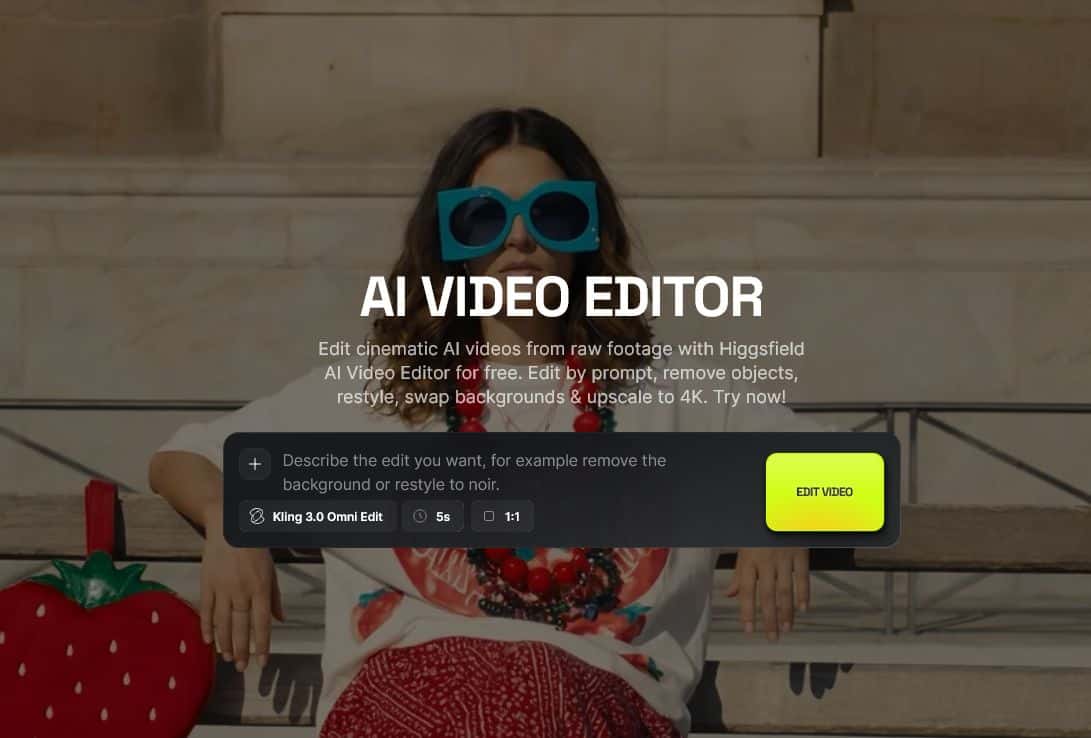
Higgsfield’s AI Video Editor works directly on footage you already have rather than requiring a full production setup. You upload your own screen recording or product clip, describe the change you want in a text prompt, and the editor applies it with no timeline to manually cut. For a technical product, that means you can start from your own real screen capture of the model running, then use that same Higgsfield workflow to clean up the background, remove distracting clutter, or restyle the clip, rather than generating something disconnected from the actual product.
Background Swaps and Object Removal
What stood out most for this specific use case was how cleanly the editor handled object removal and background swapping without a green screen. A cluttered desk or a visible second monitor behind a model’s output can be removed or replaced from a prompt alone, which matters for technical teams filming on a laptop at their desk rather than in any kind of studio setup.
Extending a Clip Without Reshooting
Cinema Studio 4.0 extends a shot forward or backward instead of forcing you to reshoot when a clip ends a beat too early or starts a beat too late. That turned out to be the most practical feature for this specific workflow, since a lot of raw screen recordings cut off right before or right after the actual interesting moment.
What actually stood out during testing:
- Starting from a real screen recording rather than a pure text prompt kept the output visibly tied to the actual product instead of reading as a stock style demo
- Object removal cleaned up a cluttered desk background in testing without needing a reshoot or a green screen setup
- Extending a clip through Cinema Studio 4.0 saved a recording that otherwise would have needed to be redone from scratch
- AI Dubbing handled a narrated voiceover cleanly, including lip sync, without a separate audio editing pass
What Did Testing Against a Real Computer Vision Workflow Actually Show?
Testing started with a screen recording of an object detection model flagging defects on a sample production line feed, the kind of raw footage most technical teams already have sitting in a folder somewhere. Running that footage through Higgsfield’s AI Video Editor to remove a cluttered background and extend the clip a few seconds past the clearest detection moment turned a flat screen capture into something that actually held attention for the fifteen to twenty seconds a demo video realistically gets before a viewer decides whether to keep watching.
The same approach worked for a classification model’s output, though the result there depended more heavily on which part of the clip got extended, since classification output is visually less dramatic than a bounding box. Choosing the right image recognition model for your project actually matters here too, since a demo video showing off the wrong model type for your use case undercuts the whole point of making one in the first place.
Who Should Use This, and Who Should Still Hire a Video Team?
Higgsfield’s own positioning leans toward speeding up iteration rather than replacing a dedicated production team for every use case, and testing against a real computer vision workflow mostly backed that up.
Where this genuinely helps:
- Technical teams that already have raw screen recordings or product footage but no time or budget to brief a full production
- Startups that need to iterate quickly on which product moment actually makes a compelling demo before committing budget to a polished final version
- Teams explaining a visual AI product where cleaning up background clutter and extending a clip can make a rough screen recording feel more deliberate
Where a real video team is still the better call:
- A flagship launch video meant to represent the brand at a trade show or major funding announcement
- Products where the demo depends on physical hardware or an environment that can’t be captured on screen in the first place
- Any case where a technical buyer specifically expects to see a real person walking through the product live
How Do You Keep a Generated Demo From Looking Generic?
Start From Real Product Footage, Not a Prompt Alone The clips that held up best in testing were edited from an actual screen recording of the model doing its job, not generated from a text description that merely illustrated the idea. Skipping this step is what makes AI edited demos feel disconnected from the actual product.
Only Remove or Extend What Actually Needs It Swapping backgrounds or extending footage that was already clean reads as unnecessary polish. Reserve these edits for the specific moment that actually demonstrates something true about how the model performs.
Confirm Commercial Usage Rights Before Publishing Before putting a Higgsfield generated demo on a product page or in a paid campaign, confirm the output is cleared for commercial use rather than organic use only, since the two carry different licensing terms on most generative platforms.
Is This Worth It for a Computer Vision or AI Product Team?
Here’s the honest read: Higgsfield’s AI Video Editor doesn’t solve the actual hard problem, which is knowing which part of your product is worth showing in the first place. No tool does that for you. What it does solve is the iteration cost of testing that out. Instead of a cycle that stretches across several days with a freelancer for every framing change, you can take a real recording, clean up or extend the specific moment that matters, and land on something watchable within a single afternoon.
If your team already has raw footage sitting unused because nobody had time to turn it into something presentable, this is worth testing against that footage directly rather than judging the idea from a generic demo reel.
Frequently Asked Questions
Does this replace hiring a professional video team? Not for every case. A flagship launch video or anything depending on a live human walkthrough still benefits from a real production. This is strongest for fast iteration on technical product demos your team already has raw footage for.
Can I use footage I already recorded instead of starting from a prompt? Yes, Higgsfield’s AI Video Editor is built to work on footage you upload yourself, whether that’s a screen recording or a clip generated elsewhere on Higgsfield, and edits are applied through a text prompt rather than a manual timeline.
Does this work for products that aren’t primarily visual? It works best for products where there’s something concrete to show on screen, like a detection box, a classification result, or a segmentation mask. A product with nothing visual to demonstrate won’t benefit as much from background and clip editing built around showing something.
How technical does someone need to be to use this? No coding is required. The main skill involved is knowing which moment in your own product is actually worth showing, which is a product knowledge problem rather than a technical one.