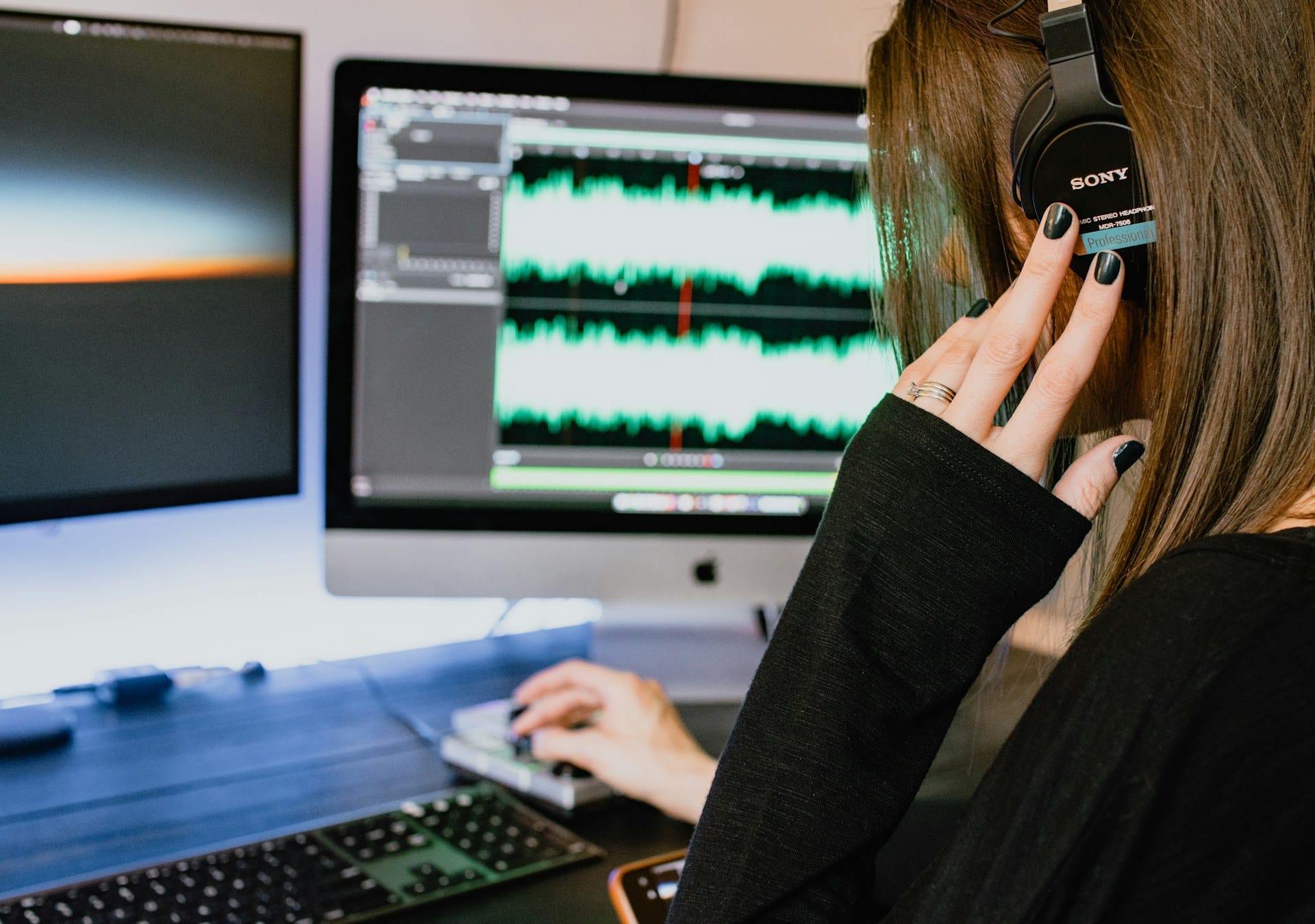
Audio editing – illustrative photo. Image source: Kelly Sikkema via Unsplash, free license
Voice is becoming a first-class input for AI applications. Meeting assistants summarize calls, support tools flag frustrated customers by tone, and voice agents handle tasks that used to require typing. Each of these starts with the same unglamorous problem: getting clean audio out of a desktop and into a model that can do something with it.
That problem is harder than it looks from the outside. A microphone feed is the easy part. The audio an AI application usually needs, the other side of a call, a specific app’s output, a browser tab playing a video, lives inside the operating system’s audio stack, and reaching it depends entirely on which platform you’re building for.
What “understanding audio” actually requires
An AI application that understands audio is really running a short pipeline. Capture gets the raw signal off the device. Preprocessing cleans it up and splits it into chunks a model can consume. Automatic speech recognition (ASR) turns speech into text, and diarization labels which speaker said which line. From there, the transcript can feed an embedding model for search, or an LLM for summaries and action items.
Most of the public attention goes to the last step, picking or fine-tuning a model. Most of the actual engineering time goes to the first one. A model that handles summarization well is wasted on a transcript that’s missing half a conversation because the capture layer dropped frames when a participant’s headset disconnected.
Capturing audio you don’t own
Capturing your own microphone is a solved problem on every platform. Capturing someone else’s audio, a call participant’s voice coming through the speakers, or a specific application’s output, is a different problem, because the operating system was not built to hand that signal to a third-party process by default.
Windows has supported this for years through WASAPI loopback capture, which reads whatever is being sent to an audio output device. macOS was the harder case until version 14.2 introduced Core Audio process taps, a mechanism for receiving a copy of a specific process’s audio stream without that application doing anything to expose it.
The practical difference from loopback capture is targeting. A process tap identifies the audio source by process ID rather than by application name, which matters because an app like a browser runs as several processes, and the one producing sound is not always obvious in advance. A developer has to resolve the right process or process group before the tap can be attached at all.
A detailed walkthrough of Core audio taps covers the three implementation steps: configuring a CATapDescription for the target process, attaching that description to a HAL aggregate device, and reading the resulting audio buffers through I/O callbacks. It also goes through the process-identification quirks that come up with multi-process applications, which is the part most teams underestimate on a first attempt.
The work that starts after capture
Getting a tap attached is a milestone, not a finish line. A complete recording usually needs more than one stream combined: the other participant’s audio from the tap, the user’s own microphone, and sometimes video, each arriving with its own timestamps, buffer sizes, and sample rates. Aligning those into one coherent timeline is its own piece of engineering, separate from the capture API itself.
Real calls also change shape while they’re running. A participant mutes and unmutes, and the application needs to know the difference between silence and a dropped stream. Someone switches from a laptop microphone to a Bluetooth headset mid-call, which can briefly interrupt or resample the audio at a different sample rate than before. An application a tap is watching restarts, or spawns a new helper process that the original process ID no longer points to. None of this shows up in a basic demo, and all of it shows up in production within the first week, usually as a handful of recordings with a gap in them that nobody can explain from the logs alone.
Turning raw audio into something a model can use
Once a clean, synchronized audio stream exists, it still needs to become something a language model can reason about. Streaming ASR works on short chunks rather than a full recording, so audio has to be split in a way that doesn’t cut words across chunk boundaries. Diarization then assigns each chunk to a speaker, and the quality of that step matters more than it might seem: an LLM asked to summarize a conversation with several misattributed lines will often summarize the wrong person’s commitments.
Once the transcript is diarized and timestamped, it can go two directions. Turning it into embeddings makes past conversations searchable, useful for a support tool answering “did a customer ever ask about this before.” Feeding it directly into an LLM with the right prompt produces summaries, action items, or structured data pulled out of the conversation.
The choice between streaming and batch processing follows from how the application is used. A live meeting assistant that surfaces action items while a call is still running needs ASR and diarization running on short chunks with a few seconds of latency. A tool that only needs a summary after the call ends can process the full recording in one pass, which is simpler to build and tends to produce more accurate diarization, since the model can use the whole conversation rather than a few seconds of context to decide who’s speaking.
Buying the capture layer instead of building it
Recall.ai, an API that handles meeting recording and audio and video capture, is used by thousands of companies that work with conversation data. It captures transcripts, metadata, and recordings from all major meeting platforms as well as in-person meetings. With Recall.ai, a team can build audio-aware AI features without having to maintain a separate capture implementation for every platform and OS version their tool needs to support. Recall.ai offers a startup rate of $0.25 per hour for the first 10,000 hours, with no minimum commitments or sign up fees.
Whether that trade makes sense depends on how many platforms a given application actually needs to cover, and how much of the value is in the capture itself versus what happens to the transcript afterward.
Where to start
The capture layer is the part of this pipeline most teams get wrong first, usually by underestimating synchronization and state changes rather than the initial API call. Building against one platform and one well-defined scenario, a single desktop app on a single OS, before trying to generalize across every meeting platform and operating system, is what keeps that first version shippable.
From there, the order of priorities tends to hold across most audio-aware AI applications: get a clean, synchronized stream first, get diarization right second, and treat the model that reads the transcript as the easiest part to swap out later. Teams that build in the opposite order usually end up rebuilding the capture layer anyway, once the gaps in it show up in a user’s actual recordings.