
Key Takeaways
- Gemini 3.5 Flash is the default model in Google Search AI Mode and the Gemini app, available globally and free for consumers.
- The new intelligent Search box accepts text, images, files, videos, and open Chrome tabs, and expands for long, conversational questions.
- Information agents work in the background 24/7, then send a synthesized update with links and the ability to take action.
- Generative UI lets Search build custom visuals, dashboards, trackers, and mini apps on the fly for an individual question.
- Personal Intelligence connects Gmail and Google Photos (Calendar soon) to tailor answers, expanded to nearly 200 countries and 98 languages.
- Universal Cart and AP2 let Search find deals and complete purchases inside set spending limits.
- The model is based on Gemini 3 Flash with adjustable “thinking levels” to balance quality, cost, and latency.
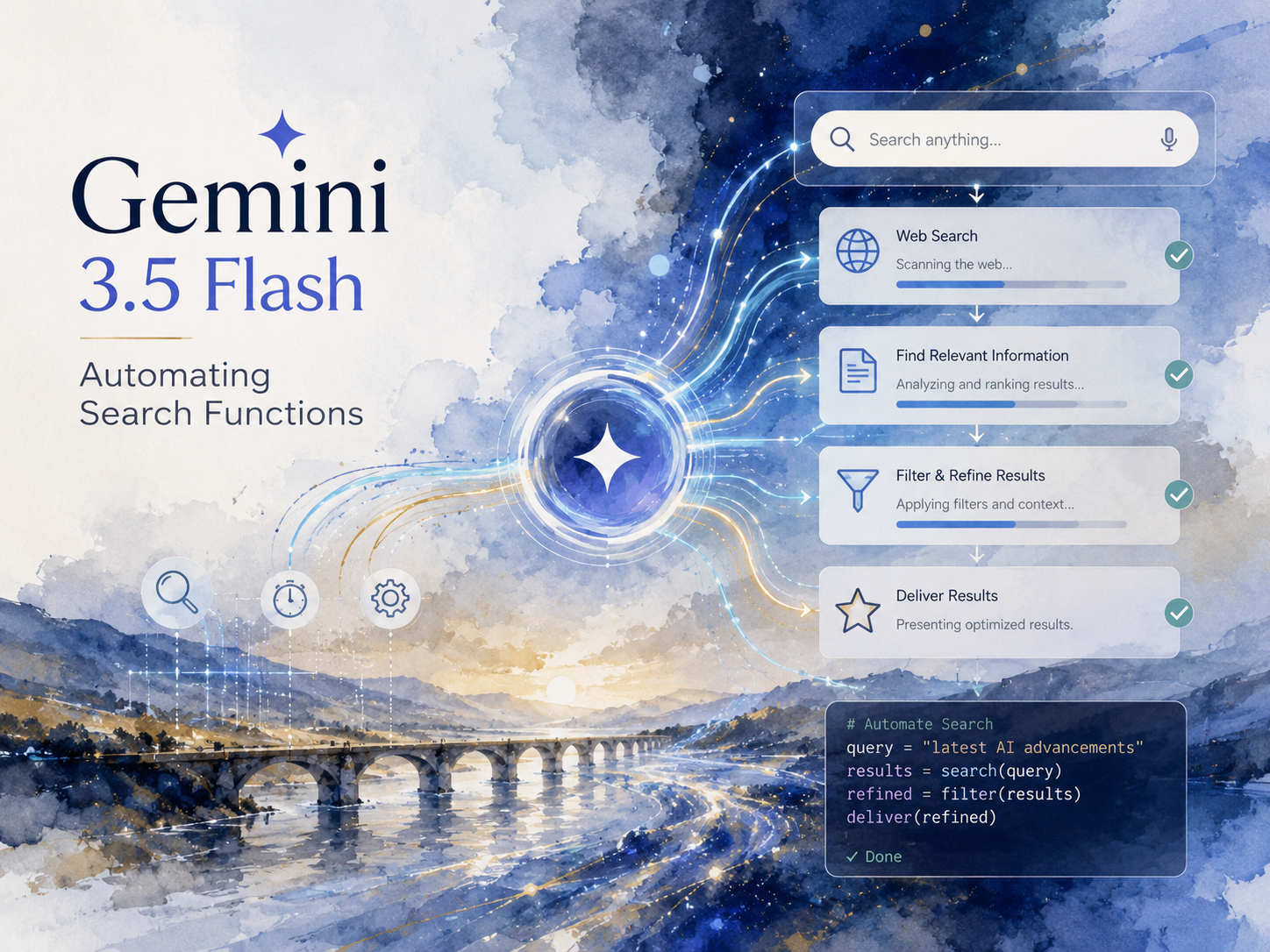
Automating Google search with Gemini 3.5 Flash – artistic impression. Image credit: Alius Noreika / AI
Gemini 3.5 Flash is the model that now runs AI Mode inside Google Search, and it changes Search from a tool that returns links into one that completes tasks. Announced at Google I/O 2026, it is the default model powering AI Mode in Search and the Gemini app for billions of people worldwide. The ten examples below show exactly how it automates search work: reasoning through multi-part questions, accepting images and files as input, running background agents, building interactive tools on demand, personalizing answers from your own data, and even handling shopping and bookings on your behalf.
The short version is that Gemini 3.5 Flash moves Search toward action. Google says it delivers frontier-level performance at four times the speed of comparable top models, often at under half the cost, and Google DeepMind described it as the “strongest agentic and coding model yet.” That speed and reasoning depth is what makes the new search automations practical for everyday use rather than a demo.
The Ten Search Functions Gemini 3.5 Flash Automates
| Search function | What it automates | Status |
|---|---|---|
| AI Mode reasoning | Multi-step answers to complex questions | Live, global, free |
| Intelligent Search box | Long and multimodal queries (image, video, file, tab) | Live where AI Mode is available |
| Intent suggestions | Predicting your real question, beyond autocomplete | Live |
| Conversational follow-ups | Continuing a thread without losing context | Live |
| Information agents | 24/7 background monitoring and updates | Summer, AI Pro and Ultra first |
| Generative UI | Building visuals and tools per query | Summer, free for everyone |
| Persistent mini apps | Reusable dashboards and trackers | Summer |
| Agentic booking | Calling businesses for prices and availability | Rolling out by category |
| Personal Intelligence | Answers shaped by your Gmail and Photos | Live, opt-in, ~200 countries |
| Universal Cart and AP2 | Finding deals and completing checkout | US summer rollout |
1. Answering complex, multi-part questions in AI Mode
With Gemini 3.5 Flash as the default engine, AI Mode reasons through a question instead of matching keywords. Ask something layered, with several conditions stacked together, and Search works through each part before replying. AI Mode passed one billion monthly users within a year of launch, with queries more than doubling every quarter. The model’s agentic strength is what lets a single query carry that much weight.
2. Searching with images, files, videos, and open tabs
The redesigned input field, which Google calls the intelligent Search box, is the headline change. It expands for longer queries and accepts text, images, files, videos, and Chrome tabs as inputs, and began rolling out on May 20 across every country and language where AI Mode is available. Google’s VP of Search, Elizabeth Reid, called it the biggest upgrade to the Search box in more than 25 years. You can drop a photo, a PDF, and a live tab into one question and get a single reasoned answer.
3. Predicting your intent instead of finishing your spelling
The box also replaces standard autocomplete with suggestions that try to read what you actually want. These AI-powered question suggestions go beyond word completion to anticipate the fuller query you are building toward. The effect is fewer rephrases and faster routing to the answer.
4. Keeping the thread across follow-up questions
Search now treats a session as a conversation. Follow-ups from an AI Overview flow into AI Mode without losing the earlier context. You can refine, narrow, or pivot a question, and the model keeps the prior turns in view rather than starting cold each time.
5. Running background information agents around the clock
This is one of the clearest automations. Information agents operate in the background 24/7, reasoning across the web to find what you need at the right moment. Elizabeth Reid described the result as “an intelligent, synthesized update, with the ability to take action.” One example Google showed keeps a user posted whenever a favorite athlete announces a sneaker collaboration. The agents roll out first to Google AI Pro and Ultra subscribers this summer.
6. Building a custom interface for a single question
Because Gemini 3.5 Flash codes well and connects to Google Antigravity, Search can write a small interface to fit your question. Google demonstrated Search creating custom visual tools, dashboards, simulations, and mini applications in real time. In one demo, Search built an interactive visual to explain Gyroid patterns. These generative UI features arrive for everyone in Search this summer, free of charge.
7. Creating reusable trackers and mini apps for long projects
For tasks that stretch over weeks, the same coding ability produces something you keep. For ongoing efforts like planning a wedding or starting a fitness routine, Search builds custom experiences such as dashboards, trackers, or mini apps that you can return to. The tool persists, so each visit picks up where you left off rather than regenerating from scratch.
8. Calling businesses to gather prices and availability
Search can now do legwork that used to mean a round of phone calls. For service categories including home repair, beauty, and pet care, Google can call businesses on your behalf to gather details like availability and pricing, then return current rates and direct booking links. You describe what you need, and the results come back ready to act on.
9. Tailoring answers with Personal Intelligence
Answers improve when Search knows your context. Google expanded Personal Intelligence in AI Mode to nearly 200 countries and 98 languages with no subscription required, letting you securely connect apps like Gmail and Google Photos, with Calendar coming soon. Ask for somewhere to eat on a trip, and a hotel booking sitting in your inbox can shape the suggestion. Google states that AI Mode does not train directly on your Gmail inbox or Google Photos library, limiting training to items like the prompts and responses inside AI Mode. The feature is opt-in and can be switched off at any time.
10. Finding deals and completing purchases with Universal Cart
The most action-heavy example is shopping. Universal Cart is a cross-surface cart that works across Search, Gemini, YouTube, and Gmail, backed by the Shopping Graph and its catalog of more than 60 billion product listings. The moment you add an item, the cart hunts for deals and price drops, shows price history, and alerts you when something is back in stock.
Checkout is handled by the Agent Payments Protocol. AP2 lets agents buy within preset limits using cryptographically signed “Mandates” that create a tamper-proof record, and a v0.2.0 release added “Human Not Present” payments so an agent can purchase a limited release the moment it goes on sale. Universal Cart launches on Google Search and Gemini in the US this summer for merchants including Nike, Sephora, Target, Walmart, Wayfair, and Shopify sellers.
Why Gemini 3.5 Flash Can Power All of This
These automations lean on a model tuned for agentic, multi-step work rather than single replies. Benchmarks show it ahead of Gemini 3.1 Pro on tests like Terminal-Bench 2.1 and CharXiv Reasoning, and the Flash-tier pricing keeps the running cost low enough to use everywhere. The table below sums up the model behind the features.
| Attribute | Detail |
|---|---|
| Foundation | Built on Gemini 3 Flash, with adjustable thinking levels |
| Speed claim | About 4x the speed of comparable frontier models |
| API price | $1.50 per million input tokens, $9 per million output tokens |
| Inputs | Text, image, video, audio, PDF |
| Where it runs | AI Mode, Gemini app, AI Studio, Gemini API, Android Studio, Antigravity, Gemini Enterprise |
One more search-side feature ships alongside the model. Ask YouTube lets you pose complex questions, jump to the relevant moment in a video, and get an interactive answer drawn across the catalog, available first to Premium subscribers in the US. Together with Gemini Spark, the standalone 24/7 personal agent Google introduced at the same event, it points to a Search that increasingly acts on what you ask.
If you are interested in this topic, we suggest you check our articles:
- Is Gemini 3.5 Flash Only in AI Mode? The Full Answer
- The Impact of AI Overviews on Search and Website Engagement
- AI Search Engines 2025: Top Platforms Users Actually Choose
- Beyond Bard: The Power of Google Gemini
- AI in Google Maps: How Gemini AI Brings Personalized Travel to Life
Sources: Google Search blog, Google Gemini 3.5 blog, Google DeepMind model card, Google AI for Developers, Digital Trends, Search Engine Roundtable, The Next Web, Semrush, Google Shopping blog
Written by Alius Noreika
