
Key Takeaways
- A personal AI assistant is a custom-trained tool that automates repetitive work — drafting emails, scheduling, summarizing documents, organizing research — using your own data, tone, and rules.
- Three development paths exist: no-code (ChatGPT Custom GPTs, Chatbase, Voiceflow), low-code automation (n8n, Zapier, Make with Google Sheets), and full coding (Python with the OpenAI API and LangChain).
- The fastest no-code build takes under an hour; a coded version with custom retrieval and voice control takes days to weeks.
- Training mostly means context injection, not fine-tuning. You upload 5–10 quality documents (past emails, brand guides, FAQs, transcripts) and write clear behavior instructions.
- Retrieval-Augmented Generation (RAG) is the standard architecture for assistants that need to recall personal knowledge accurately.
- Maintenance matters: review outputs every 30–45 days, add new training files, and refine the instruction prompt as your needs change.
- Voice and Windows control can be added with Whisper for speech-to-text, OS-level dictation, and automation tools like AutoHotkey, PowerShell, or pyautogui.

Software development, vibe coding – artistic impression. Image credit: Alius Noreika / AI
What a Personal AI Assistant Actually Is
A personal AI assistant is a software tool, built on top of a large language model, that you have configured to handle a specific set of recurring tasks using your own knowledge base, tone of voice, and rules. Unlike a generic chatbot, it answers as you would, references your documents, and plugs into the apps you already use.
To develop one, you pick a single repetitive task to automate, choose a development path that matches your technical comfort, write a clear instruction prompt that defines the assistant’s role and limits, upload reference material it can learn from, then test and refine on real work. Most people can ship a working first version in an afternoon using a no-code builder, then graduate to coded solutions once they know what they actually need.
Step 1: Pick One Concrete Use Case
Begin narrow. A scheduling helper that drafts replies to meeting requests is a better first project than a general-purpose companion. Look for tasks that drain time without requiring deep judgment: answering recurring email patterns, summarizing long PDFs, organizing research notes, drafting social captions, or tagging leads in a CRM.
Write the use case in one sentence: “An assistant that reads incoming client emails and drafts replies in my voice, flagging anything that needs my personal attention.” That sentence becomes the spec for everything that follows.
Step 2: Choose a Development Path
The right path depends on how much control you need and how comfortable you are with code.
| Path | Best Tools | Time to First Version | Trade-offs |
|---|---|---|---|
| No-code | ChatGPT Custom GPTs, Chatbase, DocsBotAI, Voiceflow | 30–60 minutes | Fast, limited customization, vendor lock-in |
| Low-code automation | n8n, Zapier AI Agents, Make with Google Sheets | A few hours | Connects multiple apps, weaker on conversation |
| Full code | Python, OpenAI API, LangChain, Hugging Face Transformers, Mycroft | Days to weeks | Total control over data, retrieval, voice, and deployment |
ChatGPT Custom GPTs are the fastest entry point. You name the assistant, paste an instruction prompt, upload knowledge files, and it works. Chatbase and DocsBotAI specialize in turning uploaded documents into a searchable Q&A assistant you can embed on a site.
For automation across apps, n8n and Zapier let you chain triggers — a new calendar booking, an incoming email, a row added to a Google Sheet — to AI steps that draft, summarize, or categorize.
Coders building from scratch typically combine the OpenAI API for reasoning, LangChain for orchestration and tool use, and a vector database (Pinecone, Chroma, or a simple binary store on AWS Lambda + S3) for retrieval. Hugging Face Transformers offers open-weight models you can run locally; Mycroft is an open-source voice-assistant framework you can extend.
Step 3: Write the Instruction Prompt
Treat this exactly like onboarding a new hire. State the role, the scope of tasks, the tone, and the things the assistant must never do. Vague prompts produce generic output.
A workable template:
You are my executive assistant. You draft replies to client emails, summarize meeting transcripts in under 200 words, and prepare daily task lists from my calendar. Use a warm, direct, slightly informal tone. Use contractions. Never invent calendar entries, never quote prices unless they appear in the uploaded pricing sheet, and always ask before sending anything that mentions money or commitments.
Constraints matter as much as instructions. Tell the assistant when to ask rather than guess, what topics to refuse, and how to handle uncertainty.
Step 4: Build the Knowledge Base
This is where most first attempts fail. An assistant with no context produces the same generic output as the underlying model. Upload material that shows the assistant how you think and write.
Start with five to ten high-quality documents: past emails that demonstrate your voice, a brand or style guide, FAQs for your business, sample reports or newsletters, onboarding scripts, and any reference data the assistant will need to look up. Quality matters more than volume. Twenty messy files produce worse results than five clean ones.
For coded builds, the standard architecture is Retrieval-Augmented Generation (RAG). Documents are split into chunks, embedded as vectors, and stored in a vector database. When a question comes in, the system retrieves the closest matching chunks and feeds them to the model along with the prompt. This is what lets an assistant accurately recall facts from a 200-page manual without the model “memorizing” anything.
OpenAI Developer Forum moderator Curt Kennedy describes a minimum viable RAG setup that runs almost free on AWS: vectors stored as binary in S3, loaded into a Lambda function, with a DynamoDB table mapping vector hashes to source text. For most personal projects, a managed vector database like Pinecone or a local Chroma instance is simpler.
Step 5: Train Through Examples and Feedback
Models learn behavior best from doing the work and being corrected. After uploading reference files, run real prompts through the assistant:
- “Here’s an incoming email. Draft three reply options in my voice.”
- “Summarize this 40-minute meeting transcript into action items by owner.”
- “This client objection came up — how should I respond?”
When the output misses, fix the instruction prompt or add a counter-example to the knowledge base. Note that this is context injection, not fine-tuning. As OpenAI Developer Forum contributor TonyAIChamp observed, in nearly every case where someone new to the field says “fine-tuning,” they actually mean prompt engineering. True fine-tuning — updating model weights — is a separate technical task that requires API access, training data in prompt-completion pairs, and more effort than most personal projects justify.
Step 6: Test Against Real Work
Before connecting the assistant to anything that sends, posts, or pays, run it manually for a week on actual tasks. Hand it three to five jobs you would otherwise do yourself. Check whether the output is on-brand, accurate, and genuinely faster than doing the work directly. If the answer is no on any of those, adjust the prompt or upload better examples before scaling up.
Step 7: Connect to Your Tools
Once the assistant produces reliable output, integrate it with the apps you actually use. Common connections include:
| Need | Tool |
|---|---|
| Email, calendar, Slack, Notion automation | Zapier, Make, n8n |
| Voice input on a personal computer | OS-level dictation, OpenAI Whisper |
| Voice output | OS text-to-speech, ElevenLabs |
| Windows command execution | AutoHotkey, PowerShell, pyautogui |
| Persistent memory and relationships | Neo4j or other graph databases |
| Chat presentation layer | Slack API, Telegram, a custom Flask app |
For voice and hands-free operation, the simplest path is to use the operating system’s built-in dictation and text-to-speech, then layer the AI assistant on top. Cloud-based speech recognition through Whisper gives more control and accuracy at the cost of latency and bandwidth.
If you want the assistant to execute commands on a Windows machine — opening apps, composing emails, controlling browser actions — a common pattern is to run a small local Flask server that exposes functions like compose_email() or open_app(), with pyautogui or AutoHotkey carrying out the actual UI actions. The cloud-hosted assistant calls those functions and receives screenshots back as feedback.
Step 8: Maintain the Assistant Every 30–45 Days
Personal AI assistants drift. As your work changes, the assistant’s training material goes stale and the instructions stop matching what you actually need. Set a recurring calendar reminder every 30 to 45 days and check four things: whether the tone still matches your voice, whether it makes the same mistakes repeatedly, whether new content (offers, FAQs, services) needs to be uploaded, and whether it could take over additional tasks you are still doing manually.
Keep a labeled folder of training files — “Email replies — Q1 2026,” “Brand voice — updated April” — so updates are clean and you can roll back if a change makes things worse.
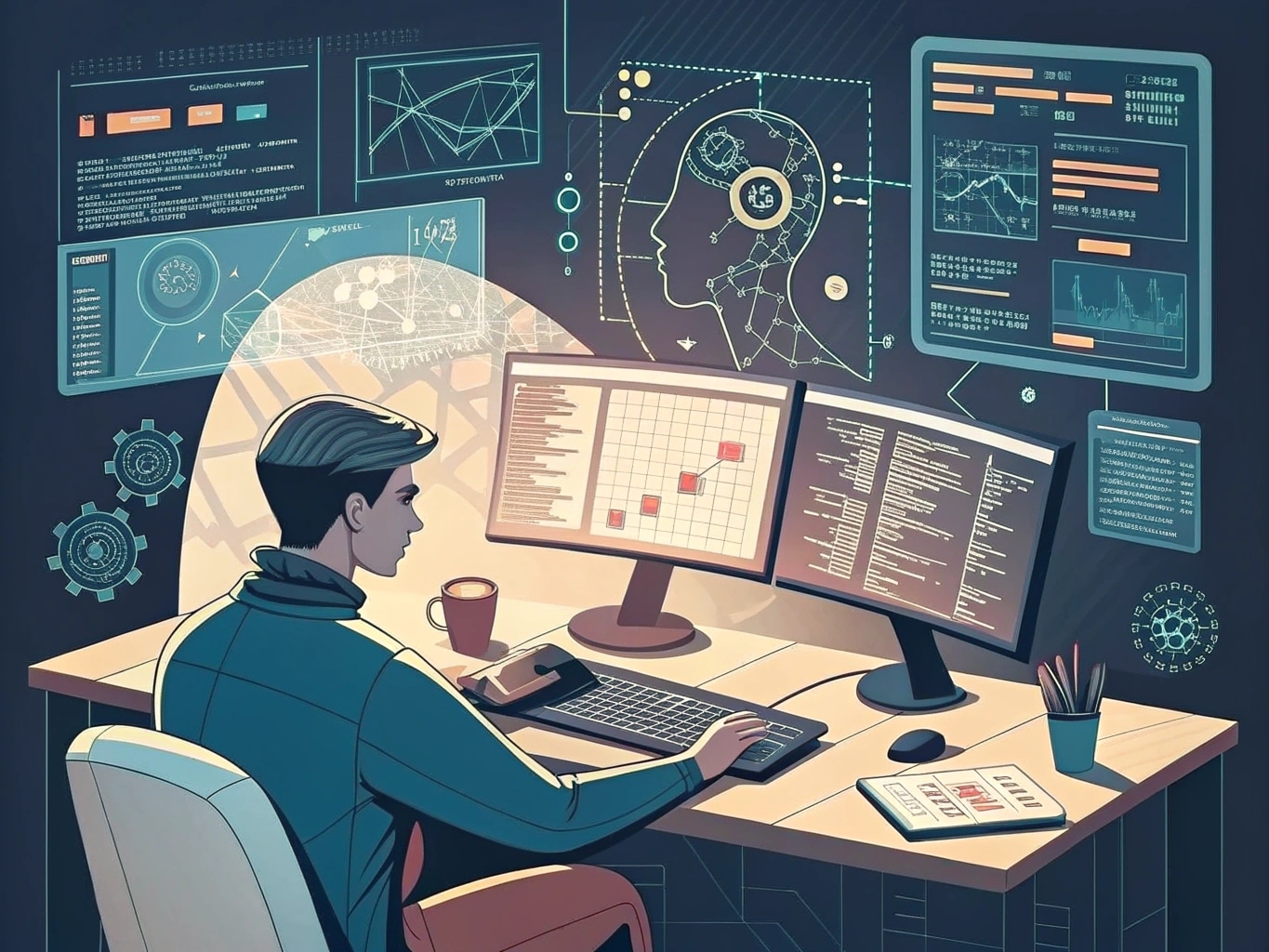
Coding an AI agent – artistic impression. Image credit: Alius Noreika / AI
Common Pitfalls
The most frequent mistakes people make when developing a personal AI assistant fall into a small set: trying to automate too many tasks at once, skipping the knowledge base, writing vague instructions, and confusing fine-tuning with prompt engineering.
Two more worth flagging: connecting the assistant to outbound channels (email, social posts, payments) before it has been tested manually for at least a week, and storing sensitive credentials in prompts or shared documents rather than in environment variables or a secrets manager.
Choosing Between Building From Scratch and Adapting an Existing Model
If you have limited time, do not start from scratch. Pre-trained models from Hugging Face, open-source frameworks like Mycroft, and ChatGPT’s Custom GPTs all give you a working foundation in minutes.
Build from scratch only when you have a clear technical reason — strict data residency requirements, an unusual deployment target, or a research goal. Most personal assistants live happily on top of an existing model with a thin custom layer for retrieval, prompts, and integrations.
A Realistic First-Week Plan
Day one, write the use case and the instruction prompt. Day two, build a no-code version in ChatGPT or Chatbase and upload five reference documents. Days three through five, run real tasks through it and refine. Day six, connect one integration (email drafts, calendar prep, or document summaries). Day seven, decide whether the no-code version is enough or whether you need to graduate to a coded RAG setup with custom tools.
That sequence gets you a working personal AI assistant in a week, with clear evidence about whether the next investment of time is worth making.
If you are interested in this topic, we suggest you check our articles:
- Customer Service in the Age of AI
- How AI Chatbots Are Delivering Digital-First Customer Experiences
- VoiceSpin: AI-powered Contact Center for Automated Communications
- AI Agents Blur Business Boundaries
Sources: HuggingFace Forum, OpenAI Community, Purely Startup
Written by Alius Noreika
